
Emotions
Emotion tracking lets a child say how they feel by choosing one or more emotions and, if they want, writing a short reason why. Each entry is saved to a history you can review per family member.
Logging usually happens as part of a routine — a “How did you feel today?” task opens the picker — so feelings get captured in the flow of the day. You can also open the picker directly.
Log an emotion
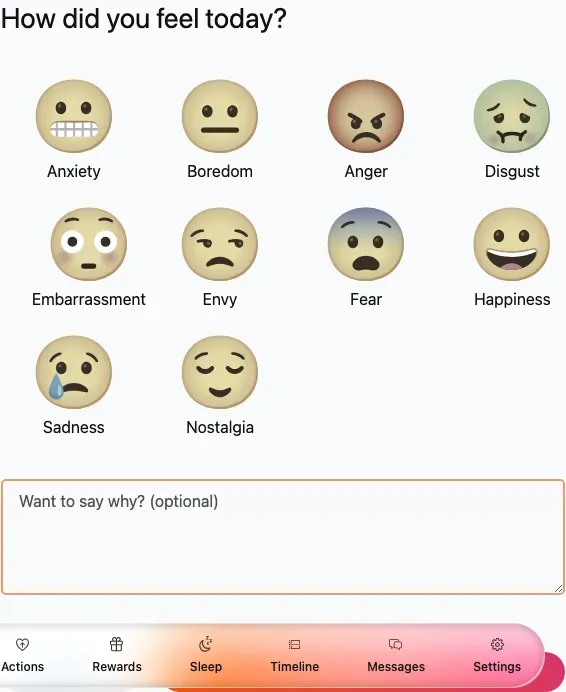
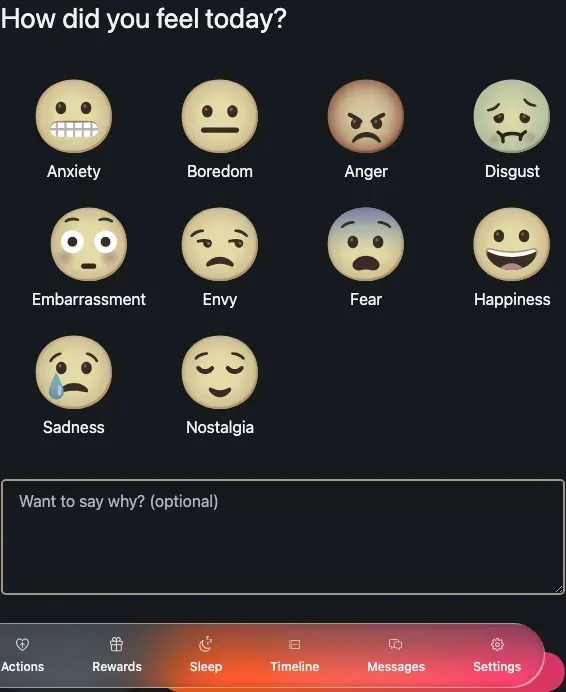
Section titled “Log an emotion”How did you feel today? — the emotion picker with an optional note.
-
Open the emotion form. It normally opens from a routine task, but you can reach it directly from the child’s area.
-
Tap one or more emotions in the picker. There are ten to choose from: Happiness, Sadness, Anger, Fear, Disgust, Anxiety, Boredom, Embarrassment, Envy and Nostalgia. Each one animates when you select it, and you can pick more than one.
-
If you want, write a short reason in the Want to say why? (optional) note.
-
Tap Save to store the feeling.
Review the history
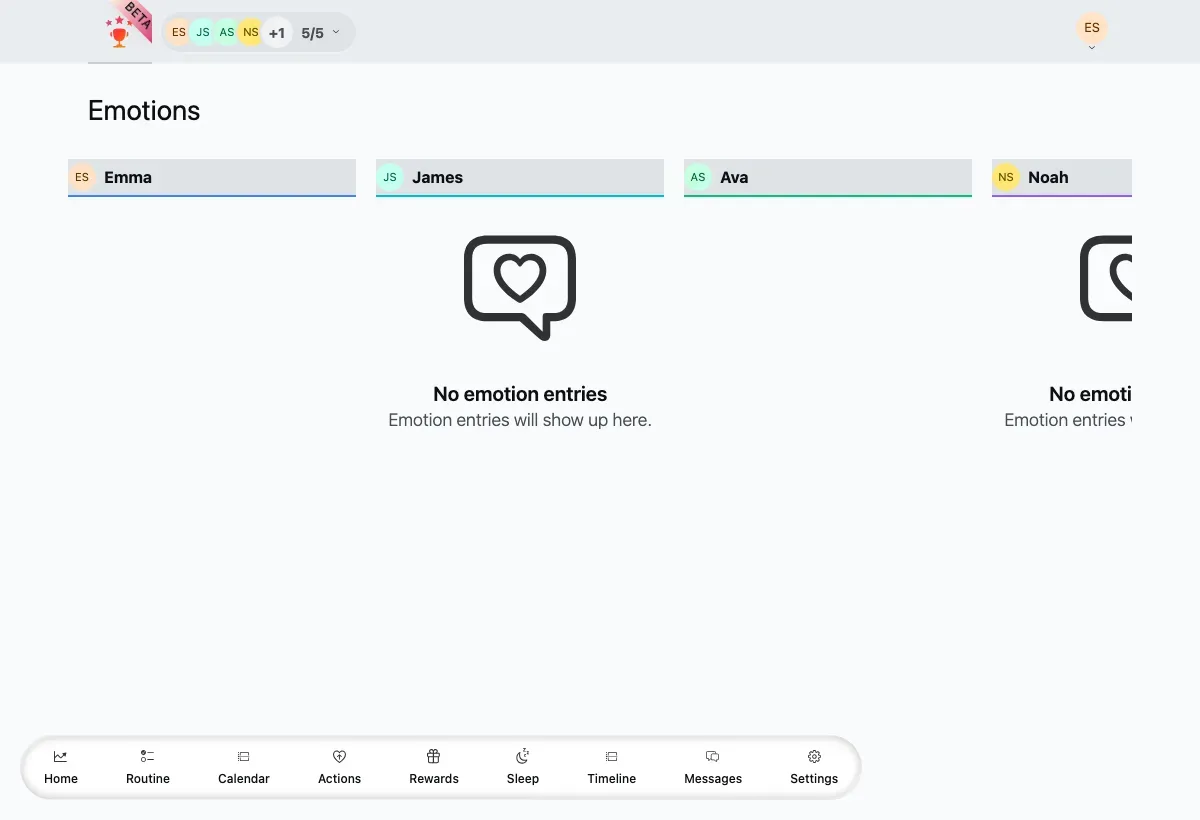
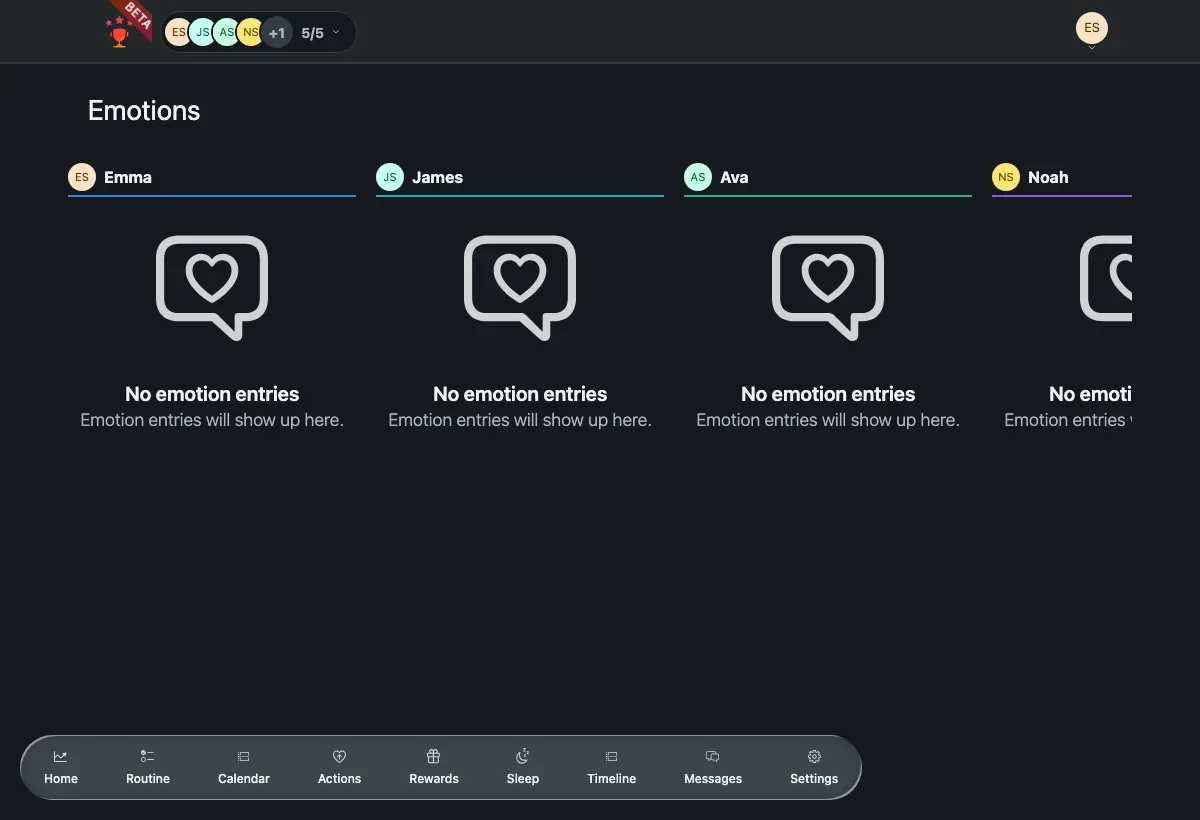
Section titled “Review the history”The emotion history board shows one column per family member, each with a timeline of the emotions they logged — emoji, name and any note — grouped by day.
The history board with a column for each selected family member.
-
Open the emotion history board.
-
Select the members you want to see at the top of the board. Each selected member gets their own column.
-
Read their emotions grouped by day. Every entry shows the emoji, the emotion name and any note the child added.
-
Tap Load more at the bottom of a column to bring in older entries.
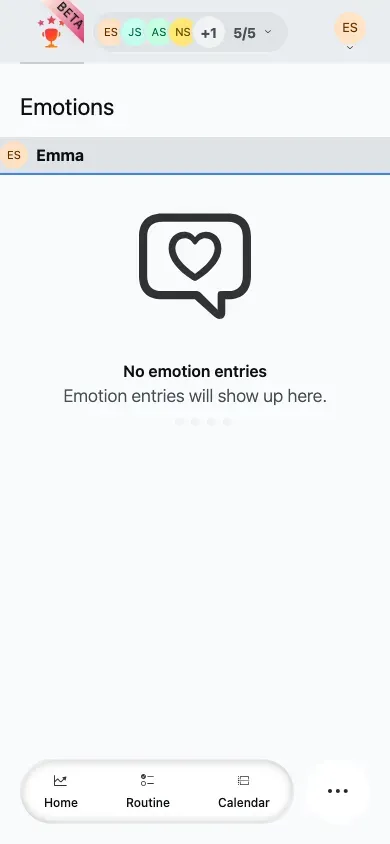
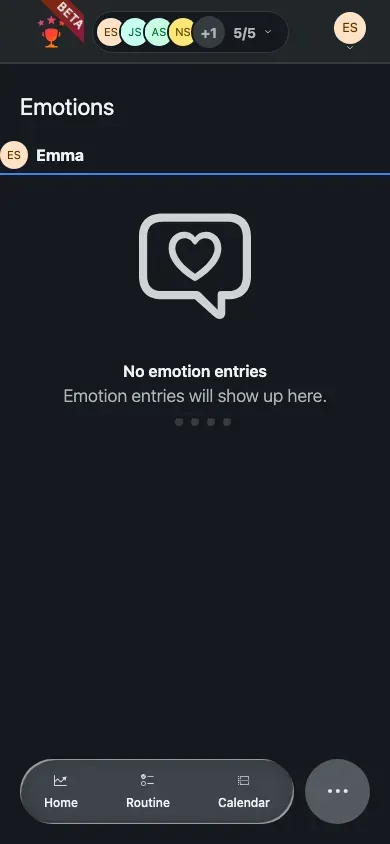
When no member is selected, the board shows a No member selected prompt. A member with no entries yet shows an empty column.
On a phone the board stacks into a single column; pick members at the top to fill it.
Related
Section titled “Related”- Sleep — track a child’s nights the same way.
- Wellbeing overview — how the wellbeing tools fit together.