
Modules
Settings → Modules lets the family owner choose which parts of TaDone each member sees and uses. Every member (except therapists) gets a switch list, with an on-of-total count next to their name.
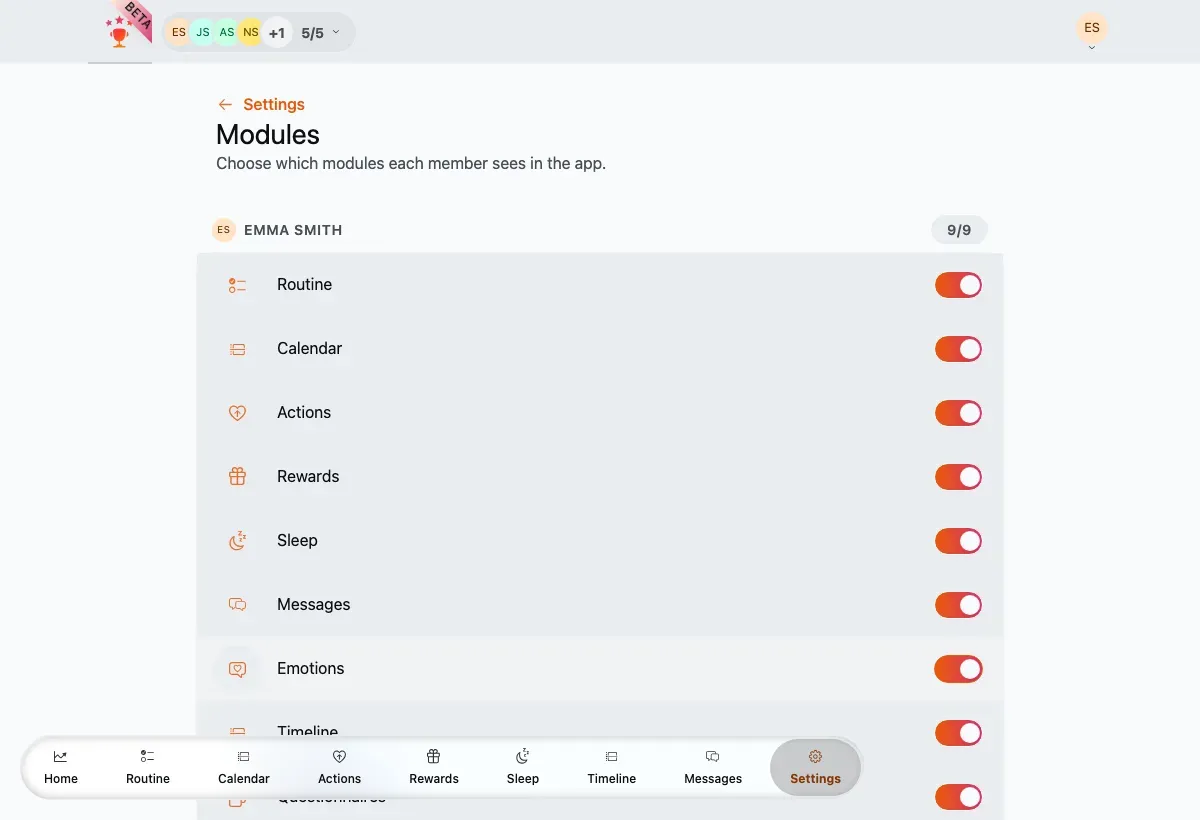
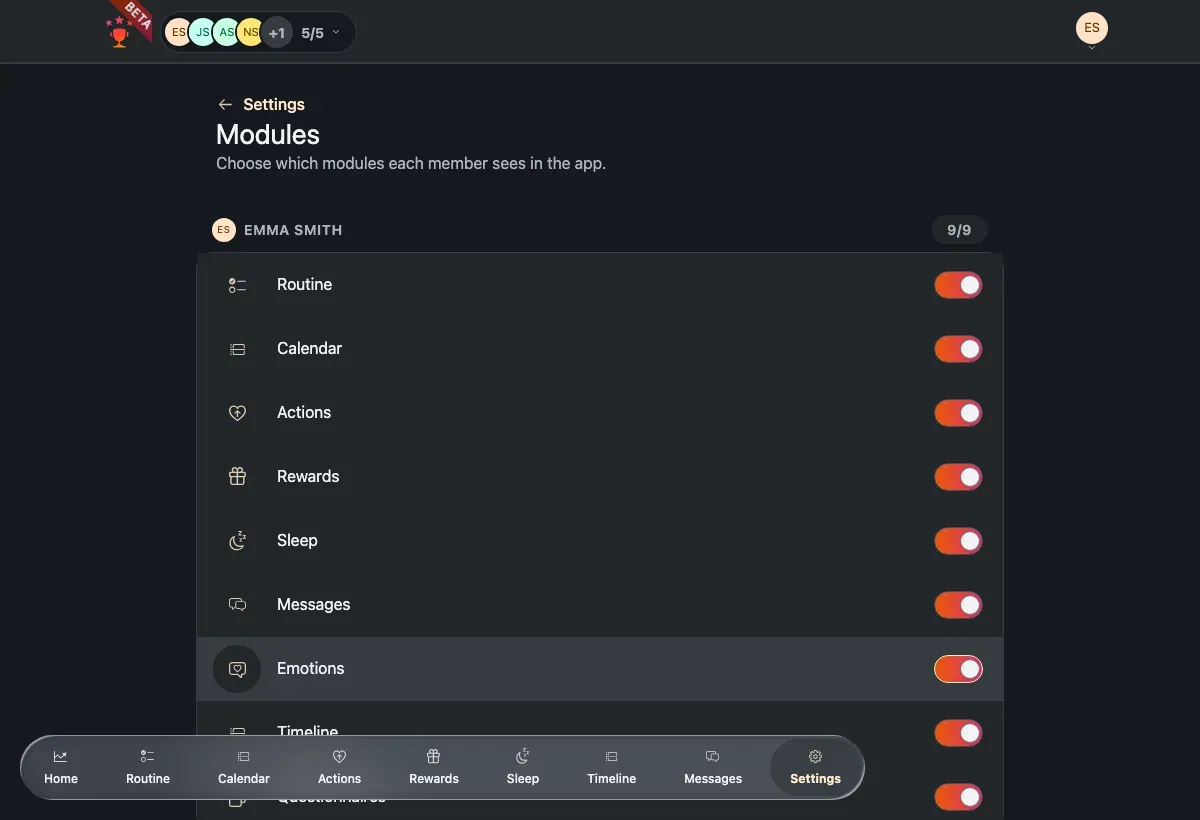
One switch list per member, with an enabled-count badge.
What you can toggle
Section titled “What you can toggle”For each member you can turn these modules on or off:
- Routine
- Calendar
- Actions
- Rewards
- Sleep
- Messages
- Emotions
- Timeline
- Questionnaires
Dashboard and Settings are always on and can’t be turned off.
How it saves
Section titled “How it saves”Flip a switch and it saves immediately, just for that member — the others are left untouched. While a member’s changes are saving, their switches are briefly disabled.