
Appearance & personalization
Settings → Customization (titled Personalization on the page) changes how TaDone looks and feels for you. Every change saves automatically and applies live. These are personal settings, so anyone — including children — can set their own.
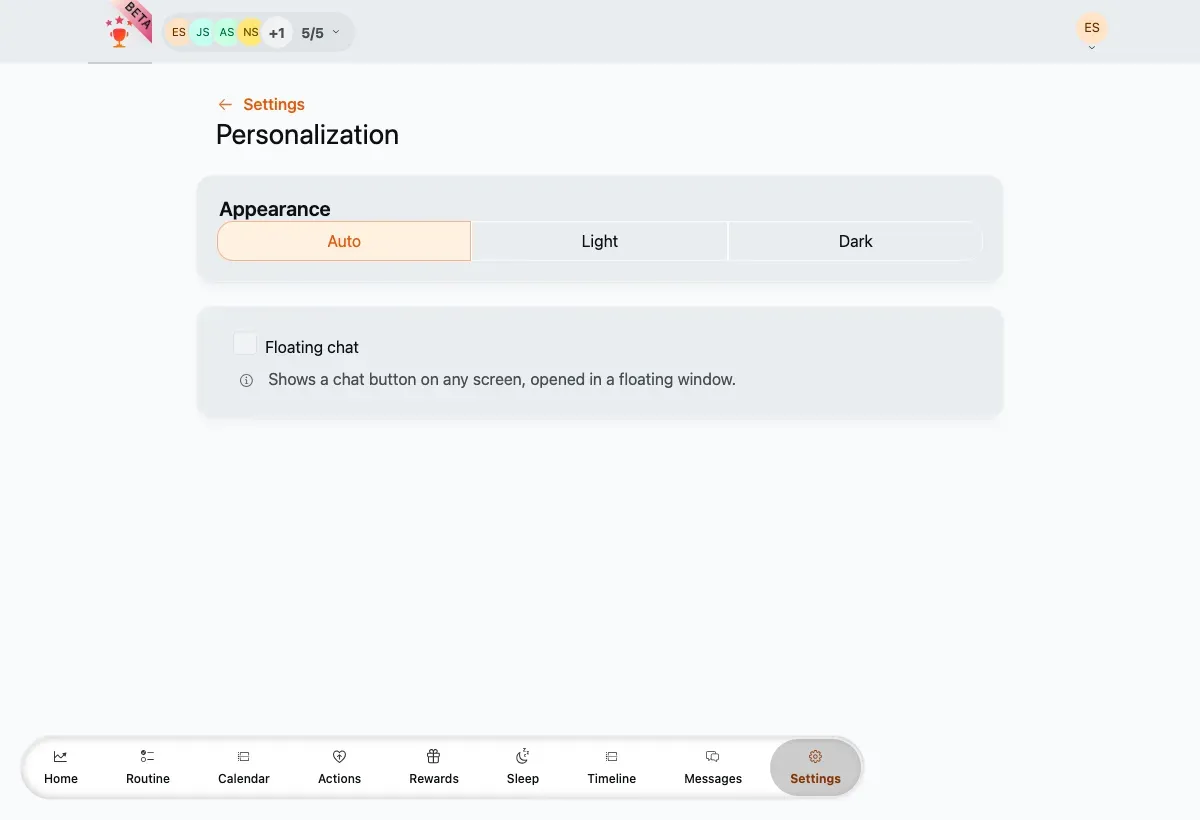
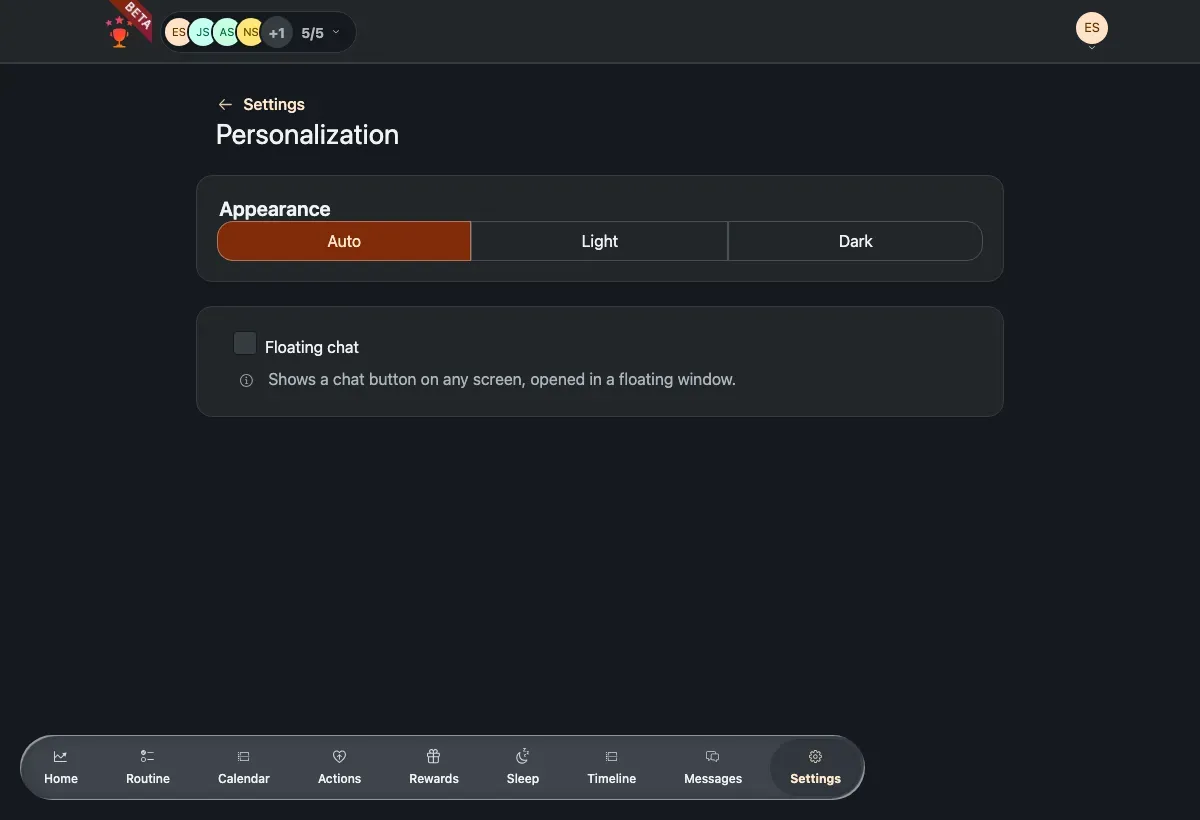
The appearance control (Auto / Light / Dark) and the floating-chat toggle.
Appearance
Section titled “Appearance”Pick how TaDone matches light and dark mode:
- Auto — follows your device’s system setting.
- Light — always light.
- Dark — always dark.
The whole app re-themes the moment you choose.
Floating chat
Section titled “Floating chat”Turn on Floating chat to show a chat button on every screen that opens in a small floating window, so help is always one tap away.
For children
Section titled “For children”When a child opens this page they get a few extra controls to make TaDone their own:
- Colour theme — a themed look for the child experience.
- Pointer trail — a fun trail that follows taps, with a star-burst or line style.
- Sound effects — turn playful sounds on or off.
Field reference
Section titled “Field reference”Everything here saves the moment you change it.
- Appearance — how colours follow light and dark mode: Auto (default; follows your device), Light or Dark. Available to everyone.
- Floating chat — shows a chat button on every screen. Off by default. Available to everyone.
Children get a few more, saved only when a child sets them:
- Colour theme — a themed look for the child experience.
- Show pointer trail — a trail that follows the pointer. Off by default.
- Trail type — Star-burst or Line. Appears only when the pointer trail is on.
- Sound effects — playful sounds on or off.