
Understanding points
Points are the currency at the heart of TaDone. Members earn them by completing tasks and doing positive actions, then spend them in the rewards catalogue. This page explains where points come from and how to read them on the dashboard.
How points are earned
Section titled “How points are earned”Every task and positive action carries a base point value. TaDone suggests sensible defaults so you can start quickly, and you can change any value when you create a task:
- Routine tasks (brush teeth, make the bed) — around 5 points.
- Medium-effort tasks (homework, piano practice) — around 10 points.
- Big or multi-step chores (tidy the whole room) — around 15 points.
Positive actions without a dedicated task — helping a sibling, sharing, telling the truth — use the same tiers, so the economy stays balanced. Logging sleep and emotions can earn points too, where those modules are enabled.
On top of the base value, streak and trophy bonuses stack: keeping a streak going or unlocking a new trophy level adds extra points. Those bonuses are covered in Daily missions & streaks and Trophies.
Reading points on the dashboard
Section titled “Reading points on the dashboard”The Points tile is the clearest place to see the economy at work.
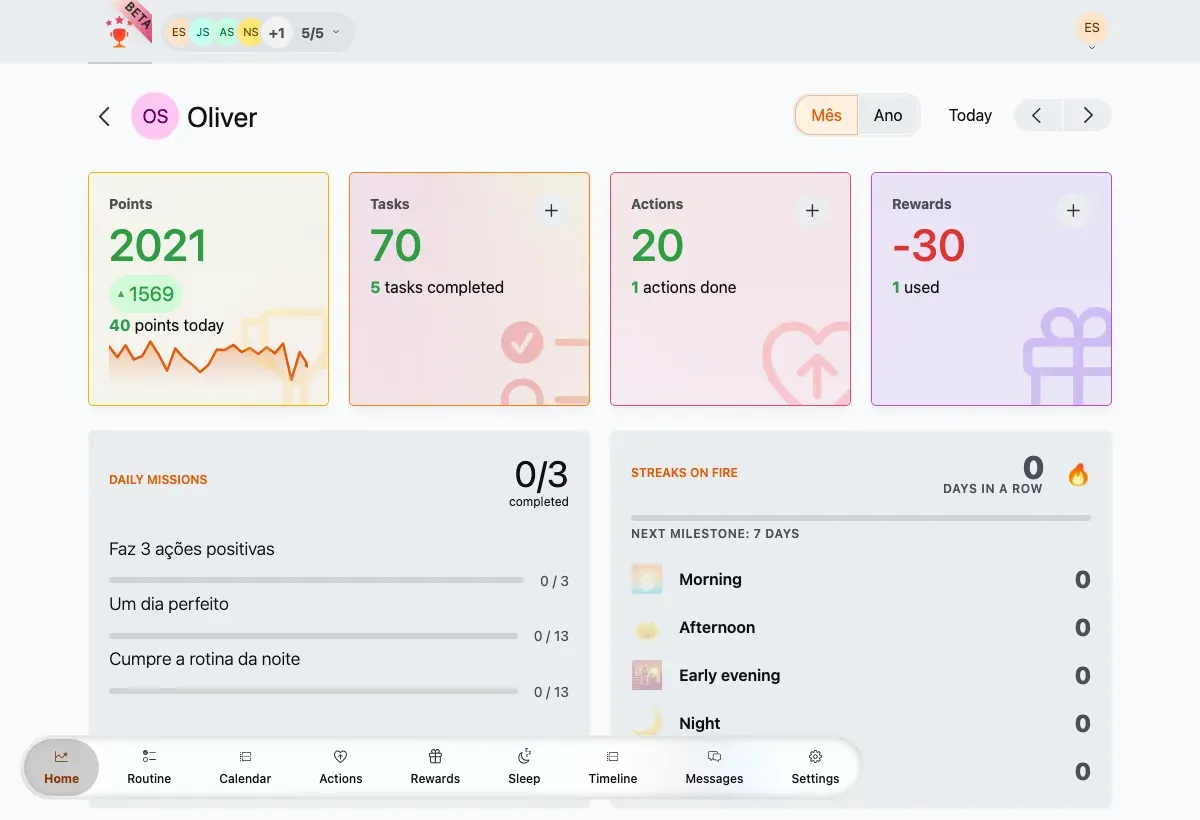
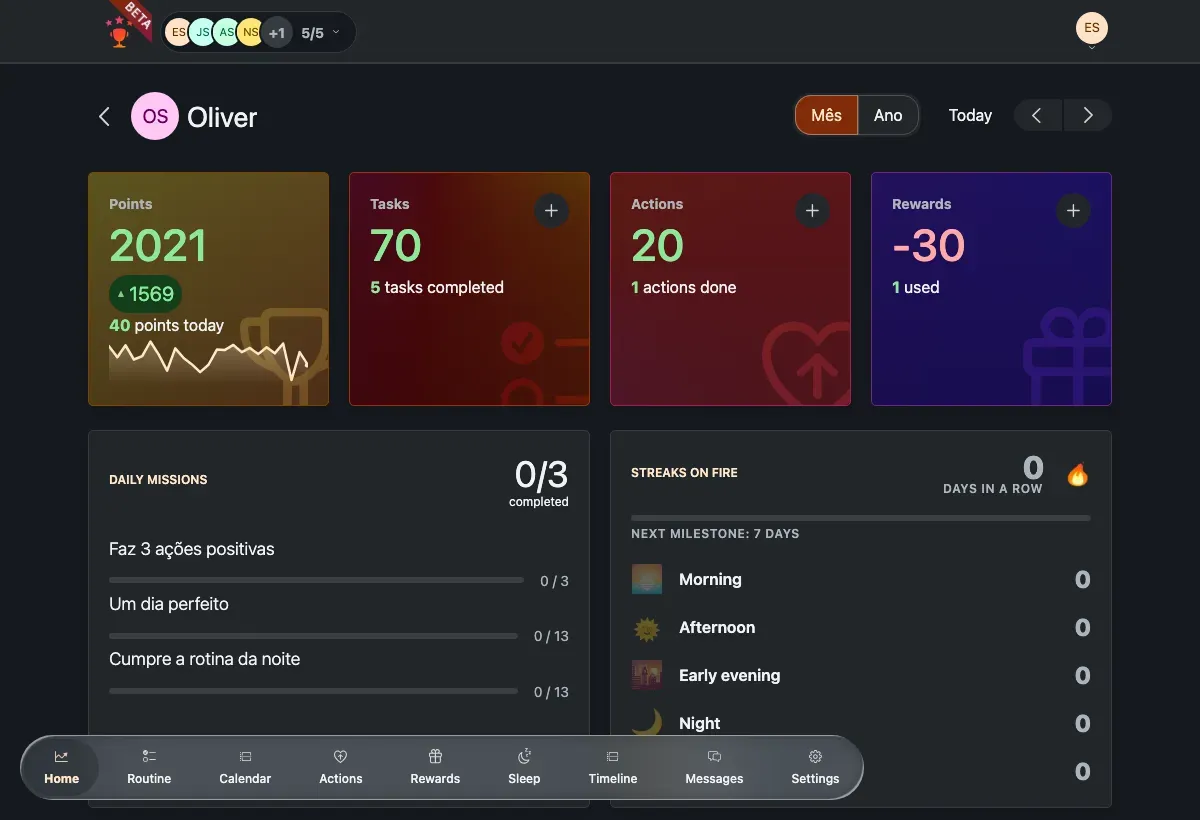
The Points tile: a balance, a trend chip and a sparkline.
- Balance — the total points for the selected window. It shows green when positive and red when negative (a large reward redemption can push it below zero).
- Trend chip — compares this period with the previous equal period: green with an up arrow when it’s improving, red with a down arrow when it’s falling. The chip is hidden when there’s no change to show.
- Sparkline — a small line of how points moved across the window. It appears once there are at least two data points.
On the family Overview, each member card shows the same points, trend and sparkline in miniature, plus a · today +N delta when the window is set to today.
Recent-activity rows and the activity history show the exact points each task, action or reward added or removed.
Spending points
Section titled “Spending points”Points convert into the rewards catalogue. Rewards come in three flavours — time-based (for example screen time by the minute), money-based, and single-use — and each deducts its cost from the member’s balance when granted. Redeeming a reward is what typically turns a balance red.
What about levels?
Section titled “What about levels?”TaDone has no separate experience-point ladder or global level number. Instead, “levels” show up in two familiar places:
- Trophy levels — each trophy climbs through numbered levels as a member repeats the tracked activity. See Trophies.
- Streak milestones — markers at 7, 14, 30, 60 and 100 days in a row. See Daily missions & streaks.