
Family
Family name and how many points equal one unit of money. Open Family settings.
Settings is the home for everything you configure in TaDone. It has two groups: Family management (settings that shape the whole family) and Personal (settings that only change your own experience on this device).
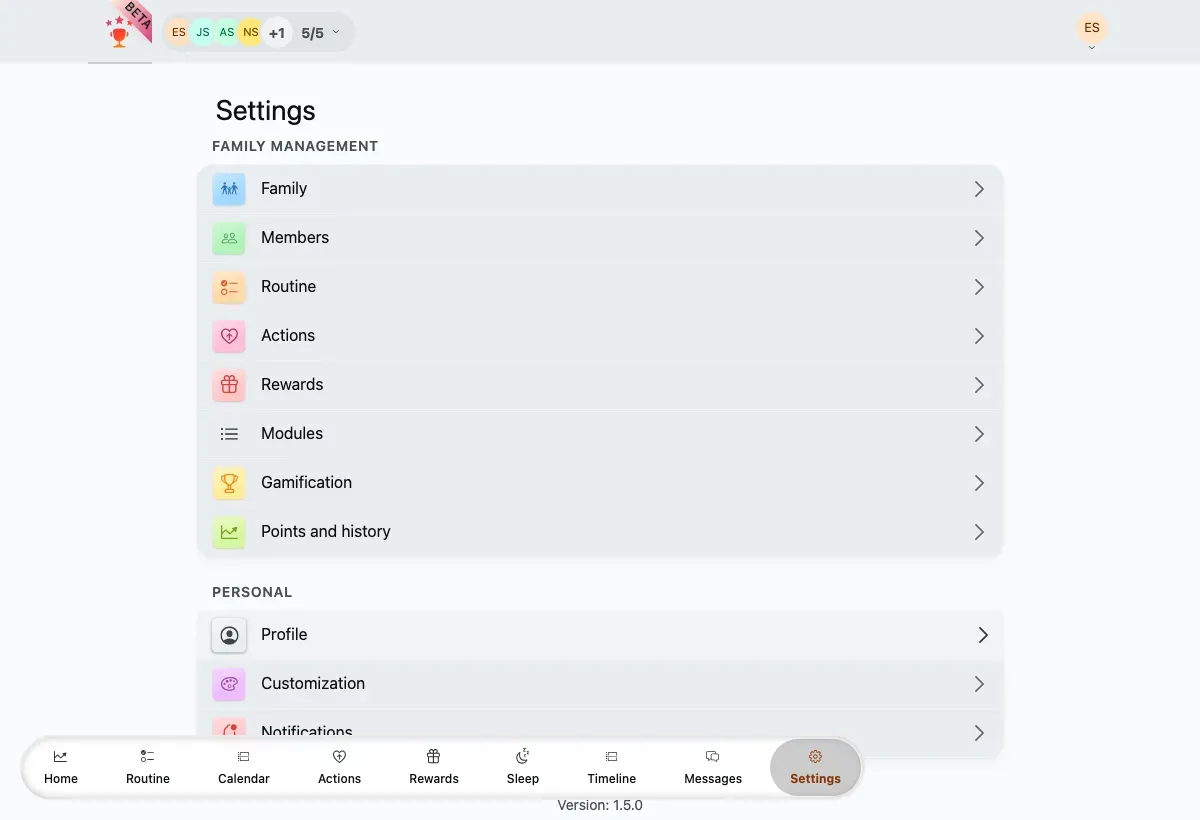
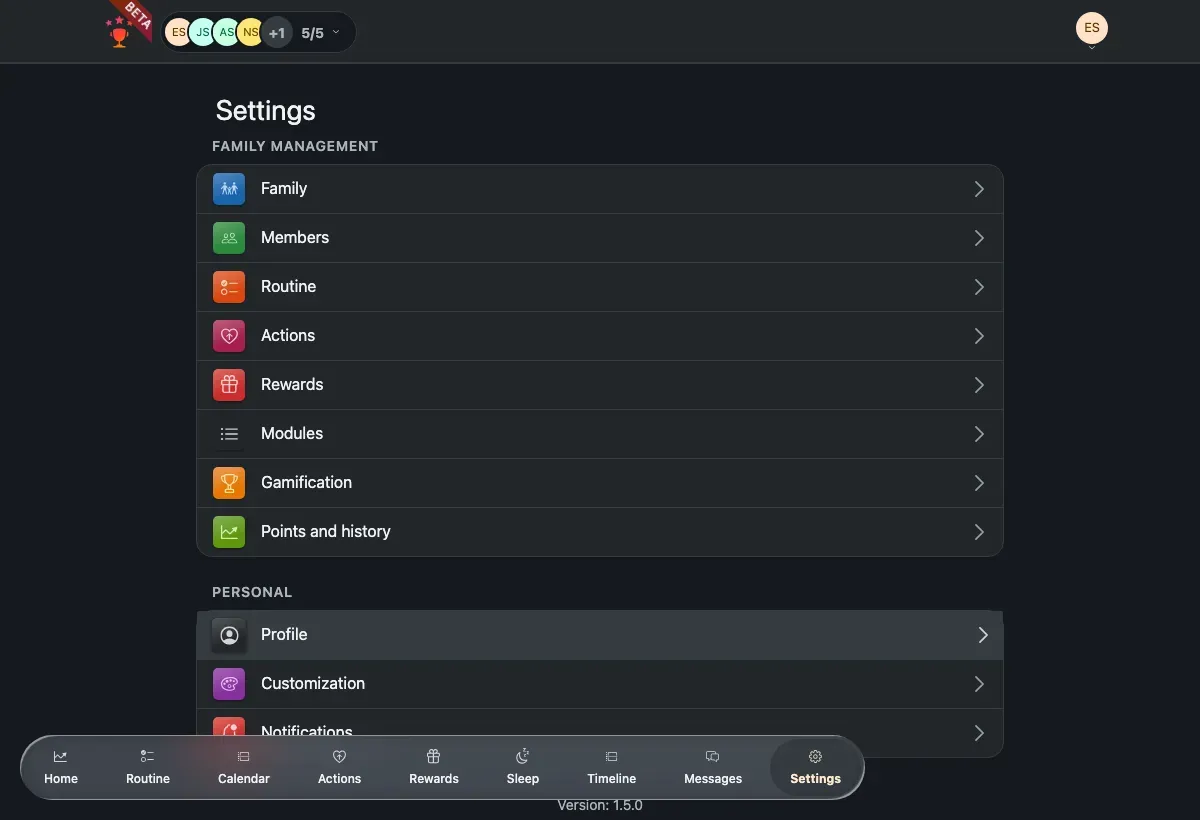
The Settings hub, grouped into Family management and Personal.
Family
Family name and how many points equal one unit of money. Open Family settings.
Members
Add, edit or remove children, educators and therapists. Open Members.
Rewards, routine & actions
Define what children can redeem, the weekly plan and negative-action points. Open these settings.
Points & history
Adjust points by hand and review the transaction history. Open Points & history.
Gamification
Trophies, adult points and dynamic difficulty. Open Gamification.
Modules
Owner-only: choose which modules each member can use. Open Modules.
Profile & account
Your in-family profile and your login account. Open Profile & account.
Appearance
Light or dark theme, and child personalization. Open Appearance.
Notifications
Turn push notifications on or off for this device. Open Notifications.
TaDone is a Progressive Web App, so it updates itself. The installed version is shown at the bottom of the Settings list.
When a new version is ready, an update banner appears in the Settings footer.
Tap Update to reload into the latest build.