
Theme
A picker of playful themes (like pigs, unicorn or astro) that reskin the whole shell. Some even paint an animated background. It saves as soon as they choose.
The last two pieces of Kid Mode are about connection and personality: a simple family chat, and the Options where your child makes the app their own with playful themes.
The Messages tab lets your child chat with you and other family members from inside Kid Mode.
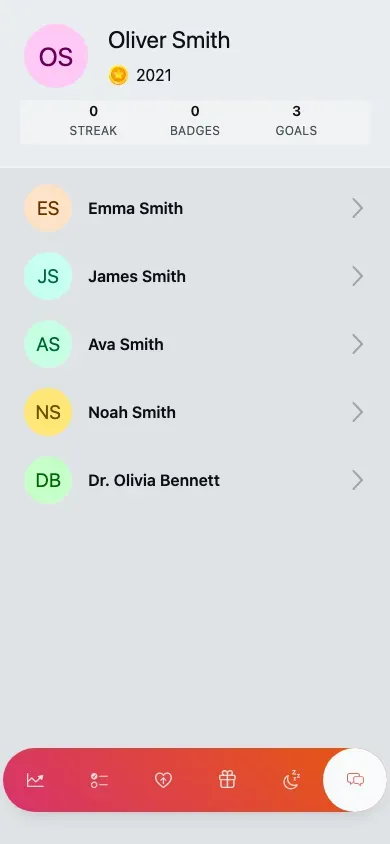
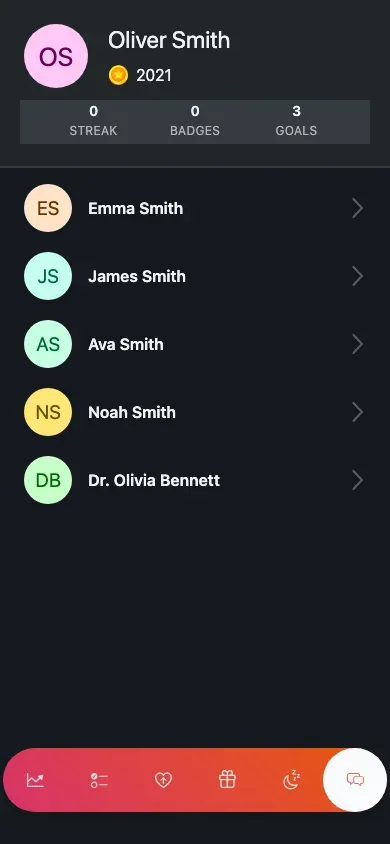
The conversation list — the family members your child can message (mobile view).
Open the Messages tab.
Tap a family member’s conversation.
Type and send — the message is sent as your child.
On a phone it’s a list first, then the conversation; on a wider screen the list and the open conversation sit side by side. A floating chat button also lives in the corner of every screen, so your child can reach chat without leaving what they’re doing.
Your child’s settings live under Options in the header menu (tap the avatar), not in the bottom tab bar. It’s a deliberately short list.
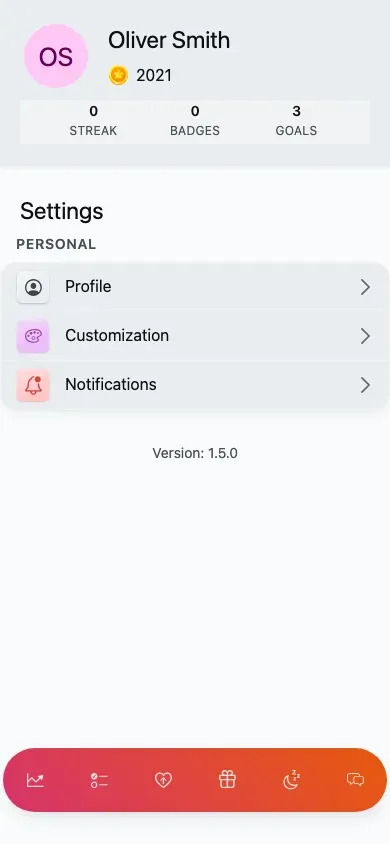
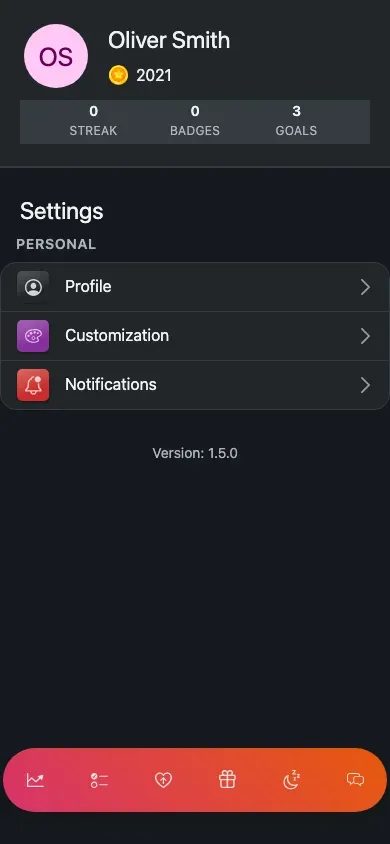
Child settings — only the personal group; all the family-management rows are hidden (mobile view).
Kids see only the Personal group:
Everything to do with running the family — members, routines, actions, rewards, gamification, modules and points history — is hidden in Kid Mode. Those stay with grown-ups.
Customization is where Kid Mode gets playful.
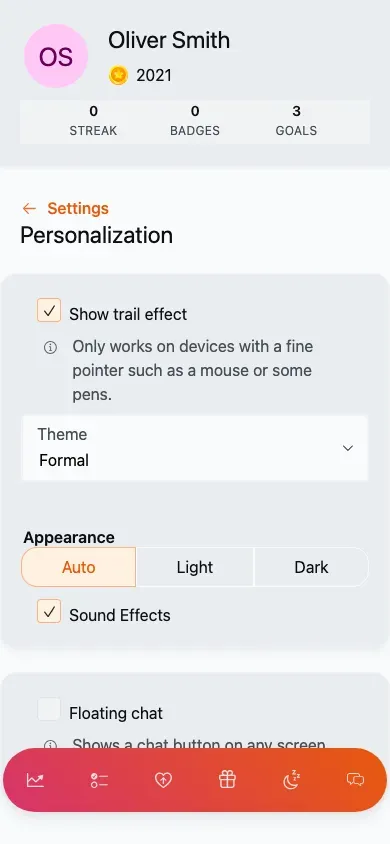
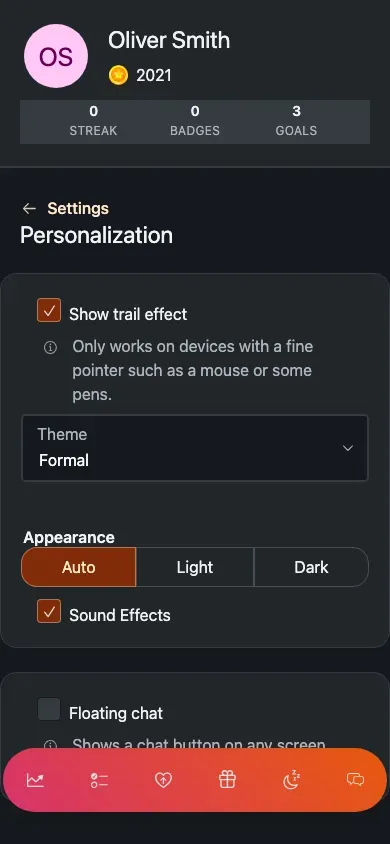
Personalisation — theme, pointer trail, sound effects and appearance, all in one place (mobile view).
Theme
A picker of playful themes (like pigs, unicorn or astro) that reskin the whole shell. Some even paint an animated background. It saves as soon as they choose.
Trail effect
A pointer-trail effect (works on devices with a fine pointer, such as a mouse). Turn it on to reveal a choice of trail styles.
Sound effects
Toggle the completion and celebration sounds on or off.
Appearance
The shared light / dark / auto setting, plus the floating chat toggle.
Tap the avatar and choose Options.
Open Customization.
Pick a theme — it saves automatically and the whole child shell reskins to match.