
Activity history
The History timeline is a single, chronological feed of everything your family members have done — tasks completed, positive actions, rewards used, sleep sessions and emotions — all in one place. It’s the record you scroll back through when you want the full story rather than a snapshot.
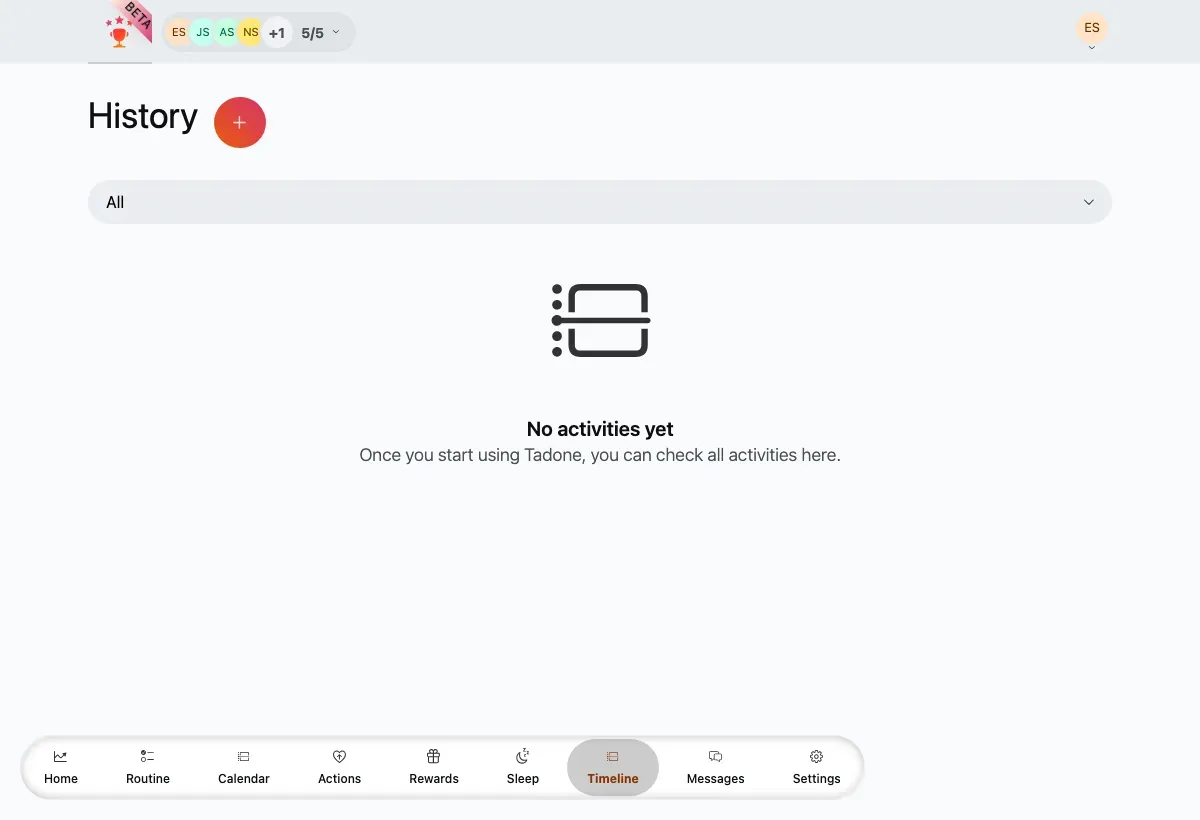
The History feed — grouped by day, colour-coded per member, each entry showing its points.
Entries are grouped by day under relative headings like yesterday, and each row is attributed to a member with a colour accent. Every entry shows an icon, a title, the time, and the points it added or removed.
Filter the feed
Section titled “Filter the feed”- Open the type dropdown at the top of the feed.
- Choose All, Task, Action, Reward or Sleep.
- The feed reloads to show just that type.
Load more history
Section titled “Load more history”The feed loads in pages. Scroll to the end and tap Load more to fetch the next batch; the button disappears once you’ve reached the very first entry.
Quick shortcuts
Section titled “Quick shortcuts”Tap the + button in the header to jump straight to registering an action or a reward, without leaving the timeline.