
Rewards, routine & actions
Three Settings pages let tutors define the content a family runs on. Each is the configuration side of a feature — the day-to-day experience lives in that feature’s own guide. All three require editing rights, and they apply to the currently selected child.
Rewards
Section titled “Rewards”Settings → Rewards is your reward catalogue: everything a child can redeem with points, grouped by type. Add a reward with +, or open a reward’s menu to edit or delete it (you’ll confirm before it’s removed).
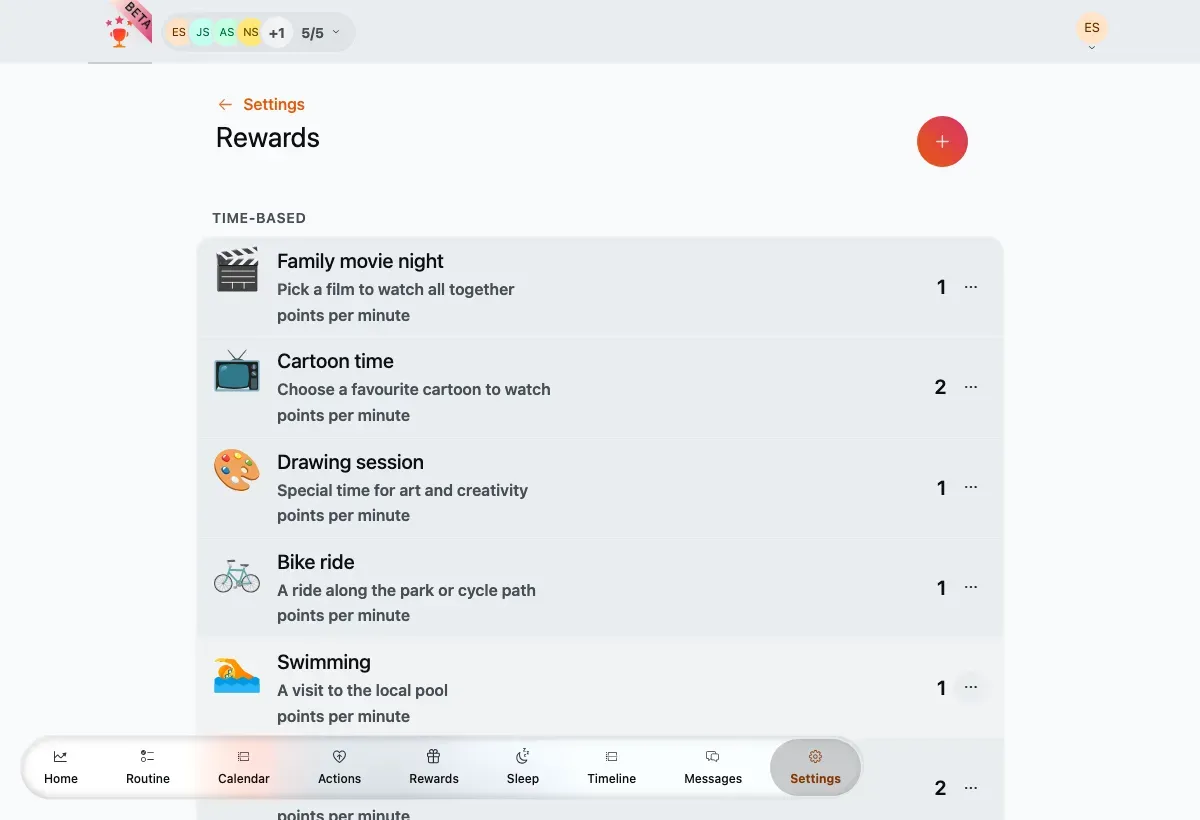
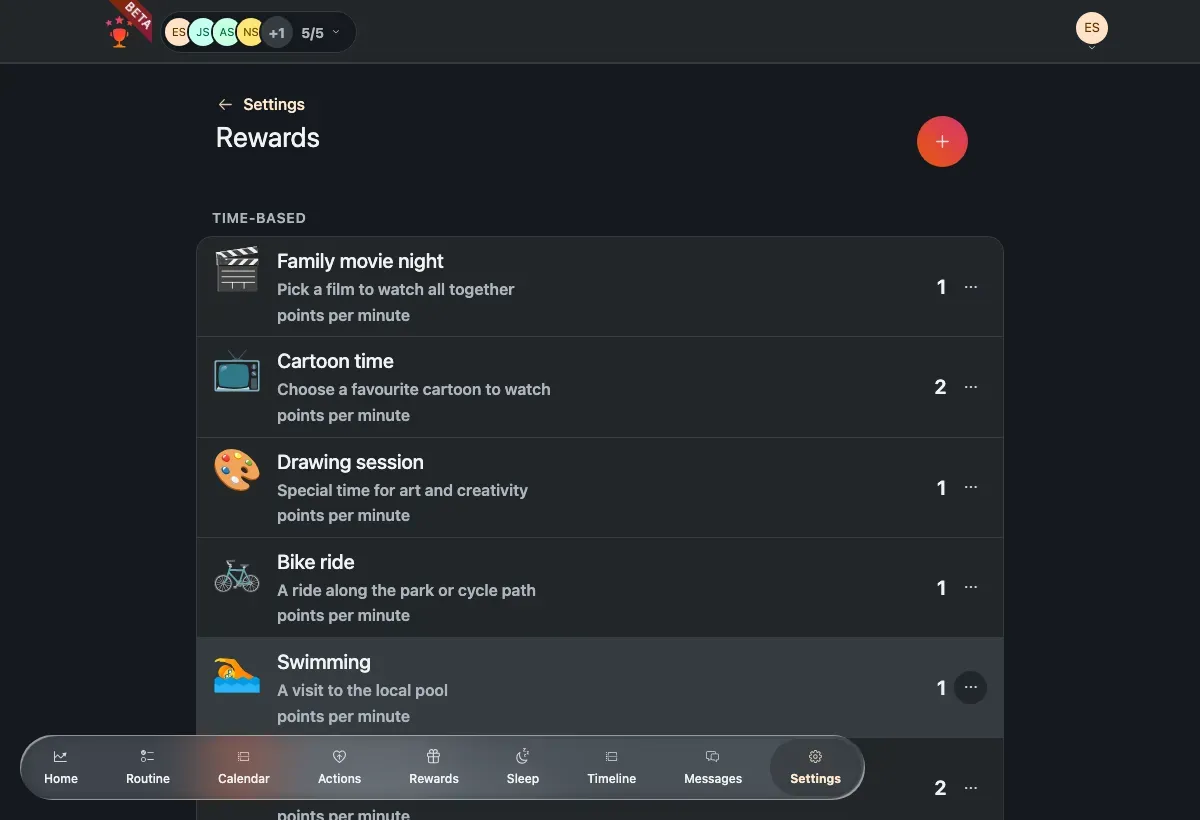
The rewards catalogue, grouped by type, with the points cost per reward.
Routine (weekly plan)
Section titled “Routine (weekly plan)”Settings → Routine is the family’s recurring plan — the routine tasks that repeat each week. View it as a List or a Week grid, filter by child, and switch between Compact and Detailed density. Add a routine task with +, or open a task to edit or delete its template.
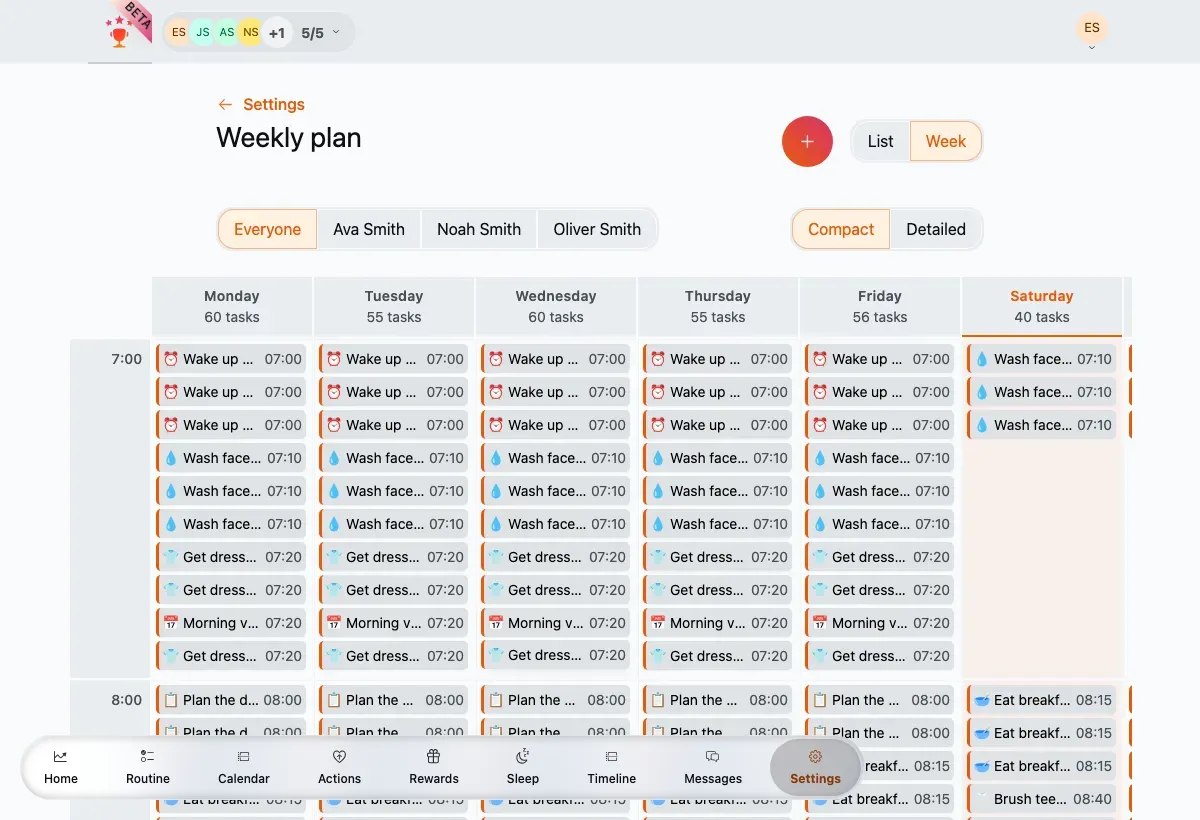
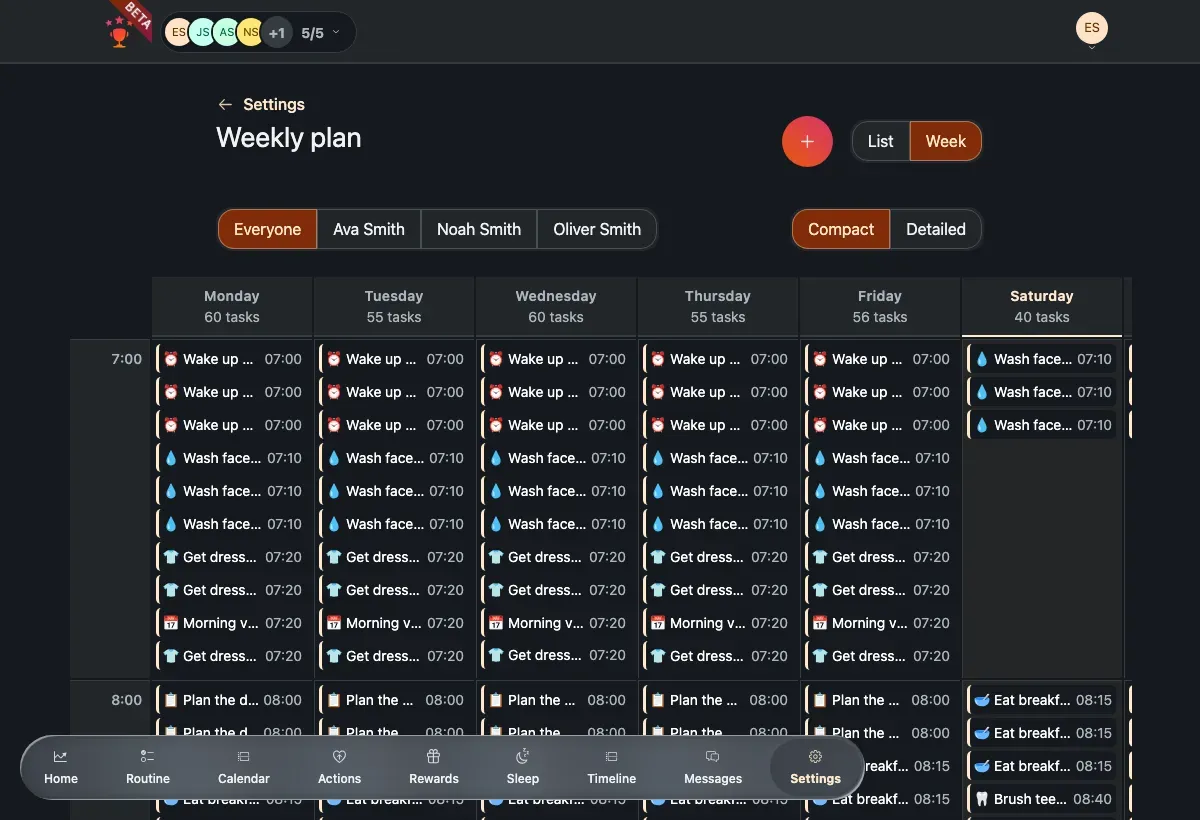
The weekly plan in Week view, with a task count per day and today highlighted.
Actions
Section titled “Actions”Settings → Actions has a single toggle — Negative points — that lets you subtract points for negative actions, for the current child only. It’s off by default and saves automatically.
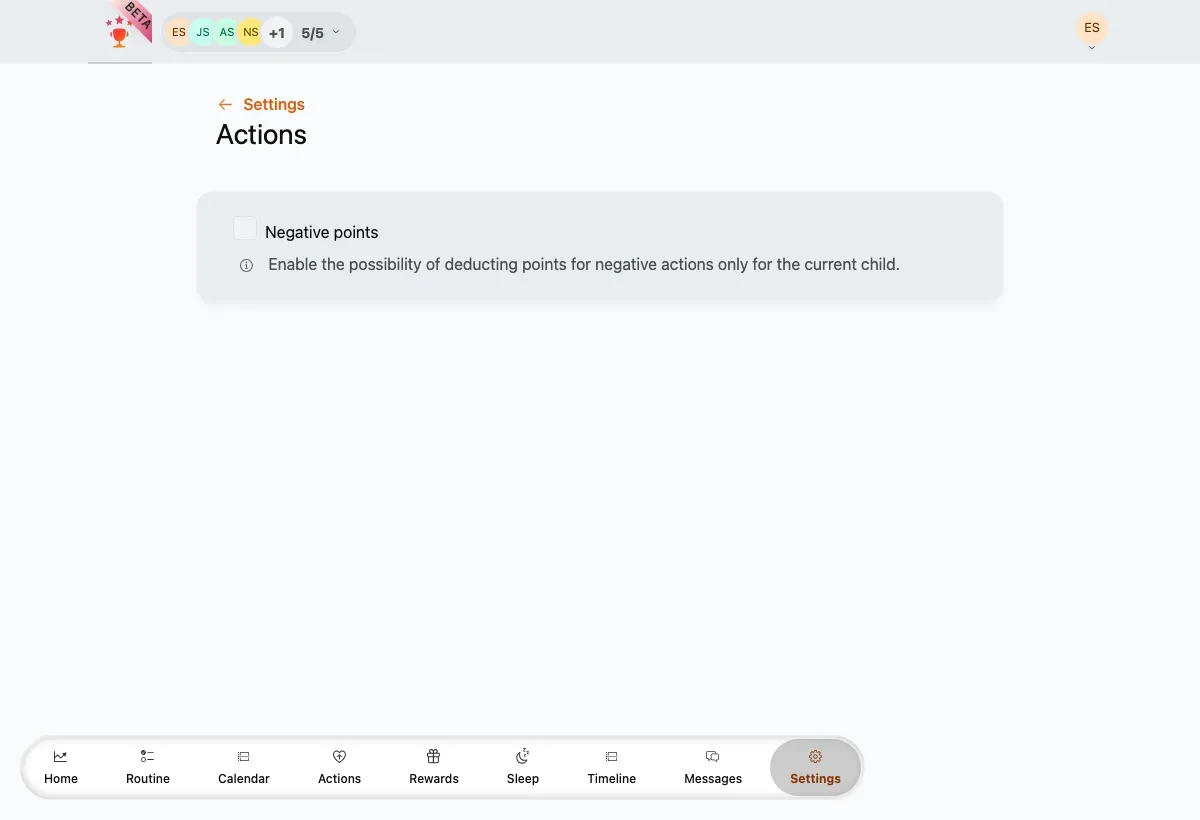
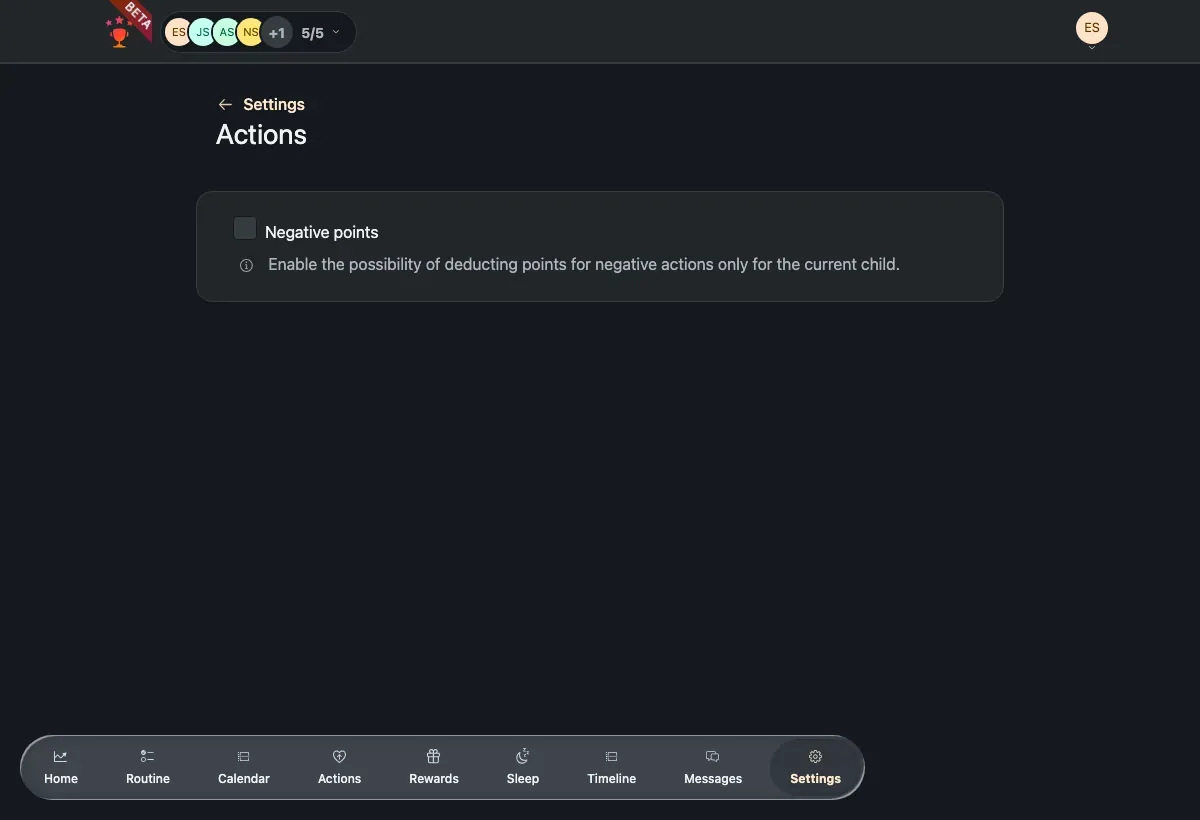
The single Negative points toggle, applied to the selected child.