
Points & history
Settings → Points and history (titled Transactions on the page) is the points ledger for the selected child. Tutors can adjust points, act on alerts and delete entries; everyone else sees the history read-only.
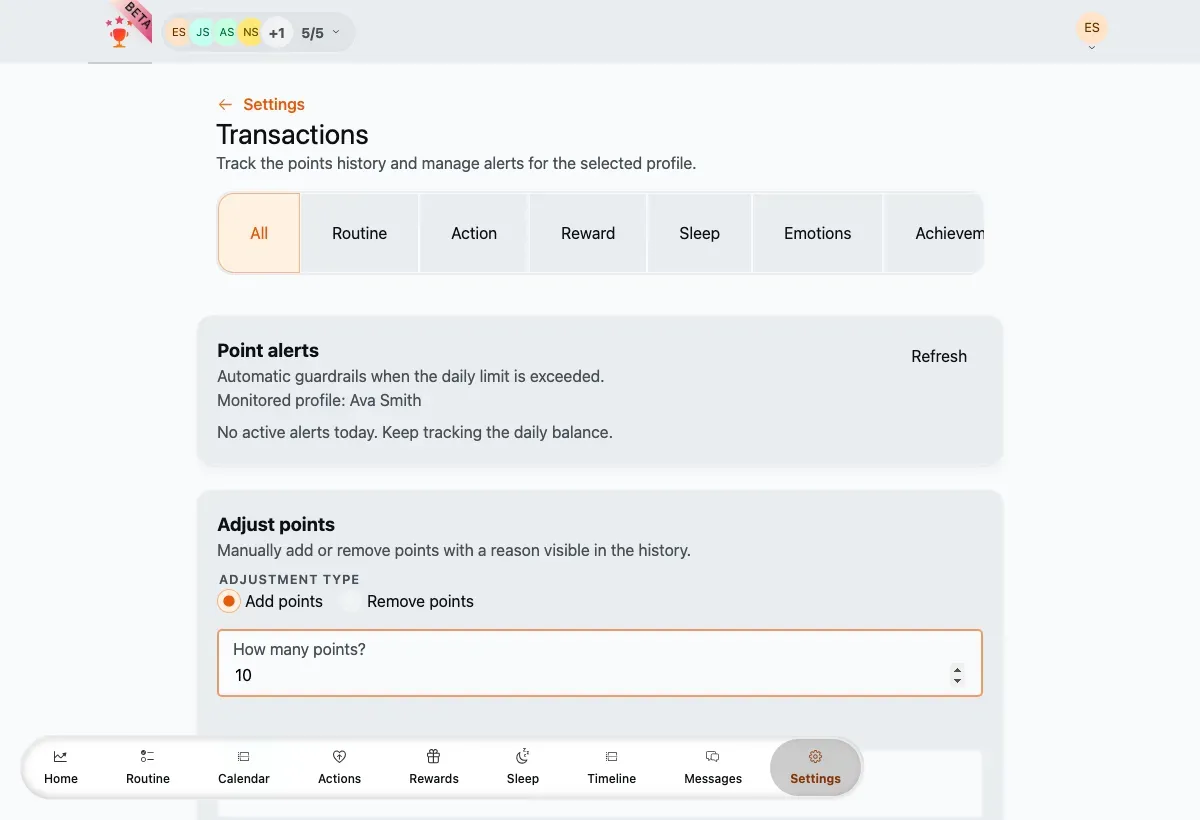
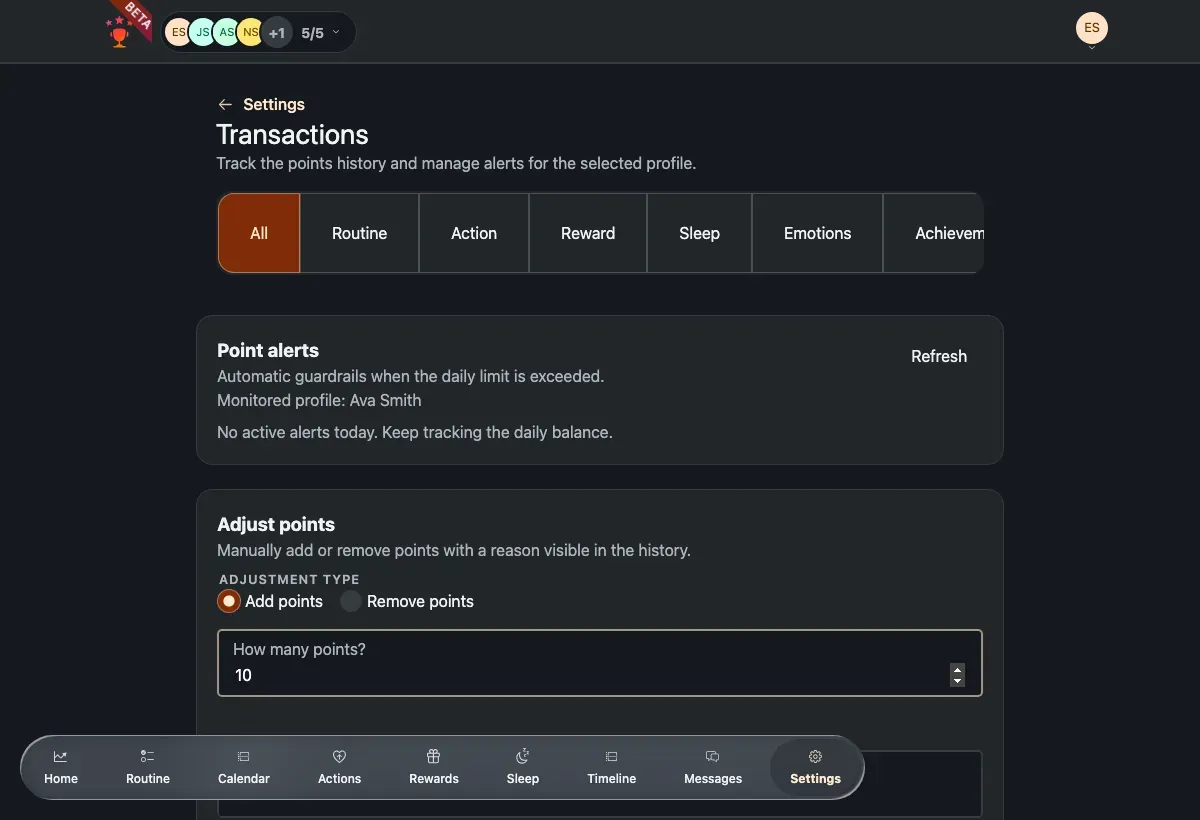
Point alerts, the manual adjustment form and the type filter.
Use the tabs at the top to filter the history by type (all, routine, action, reward, sleep, and more).
Point alerts
Section titled “Point alerts”Alerts are automatic guardrails: when a child’s daily points go above a threshold, an alert card appears. Review it and tap Mark as reviewed to acknowledge it. Use Refresh to re-check for today’s alerts.
Adjust points manually
Section titled “Adjust points manually”-
Choose Add points or Remove points.
-
Enter an amount of 1 or more and a reason (a short note is optional).
-
Save the adjustment — it’s recorded in the history like any other entry.
Delete a transaction
Section titled “Delete a transaction”Tap the trash action on a history row and confirm. Deleting a transaction reverses its effect on the child’s balance.