
Create & edit an action
Define a reusable Positive or Negative action — its name, point value and who it applies to. Define an action
Actions are one-off point adjustments you use outside of routines and tasks. A Positive action adds points to reward good behaviour; a Negative action subtracts points for behaviour you want to discourage.
You’ll find them under the Actions tab in the bottom navigation.
The library is your catalog of defined actions, grouped into Positive and Negative sections and sorted by point value. A strip of recently registered actions sits at the top. Each row shows the action’s name, description, point value and — when your family has more than one child — the avatars of the members it applies to.
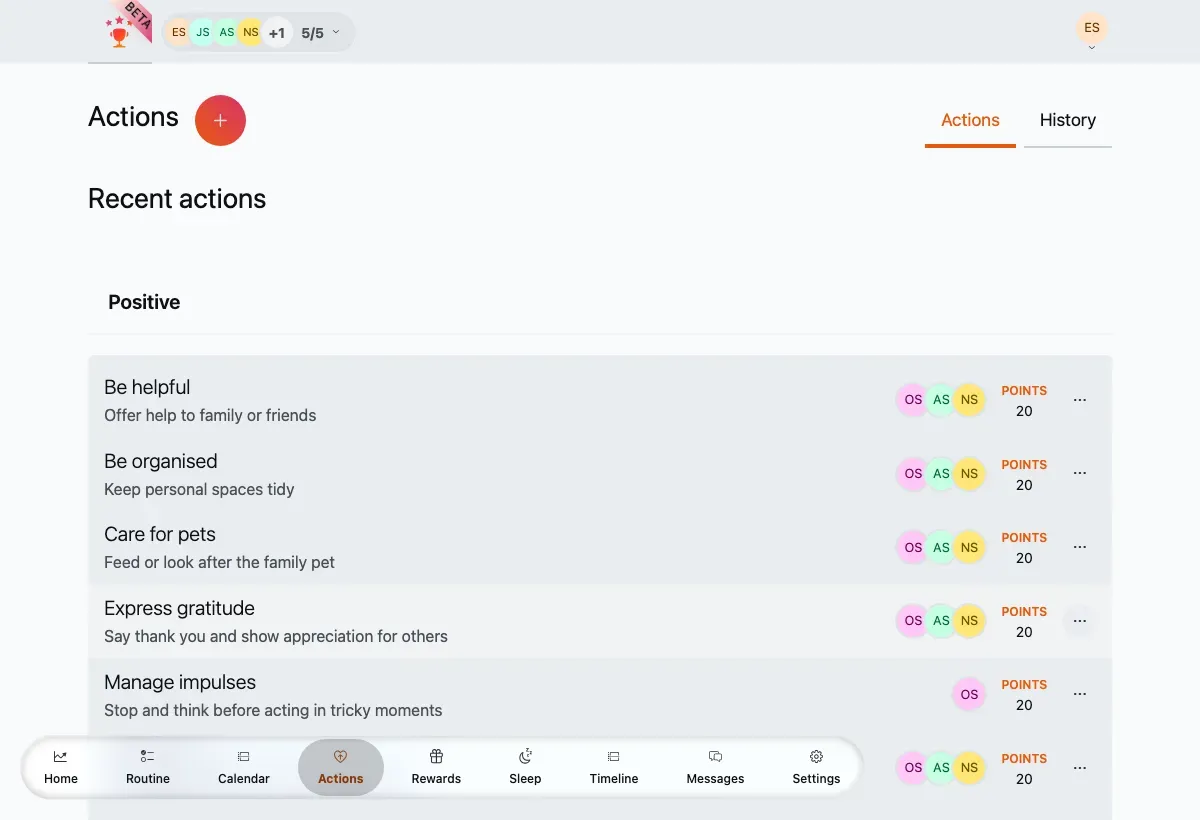
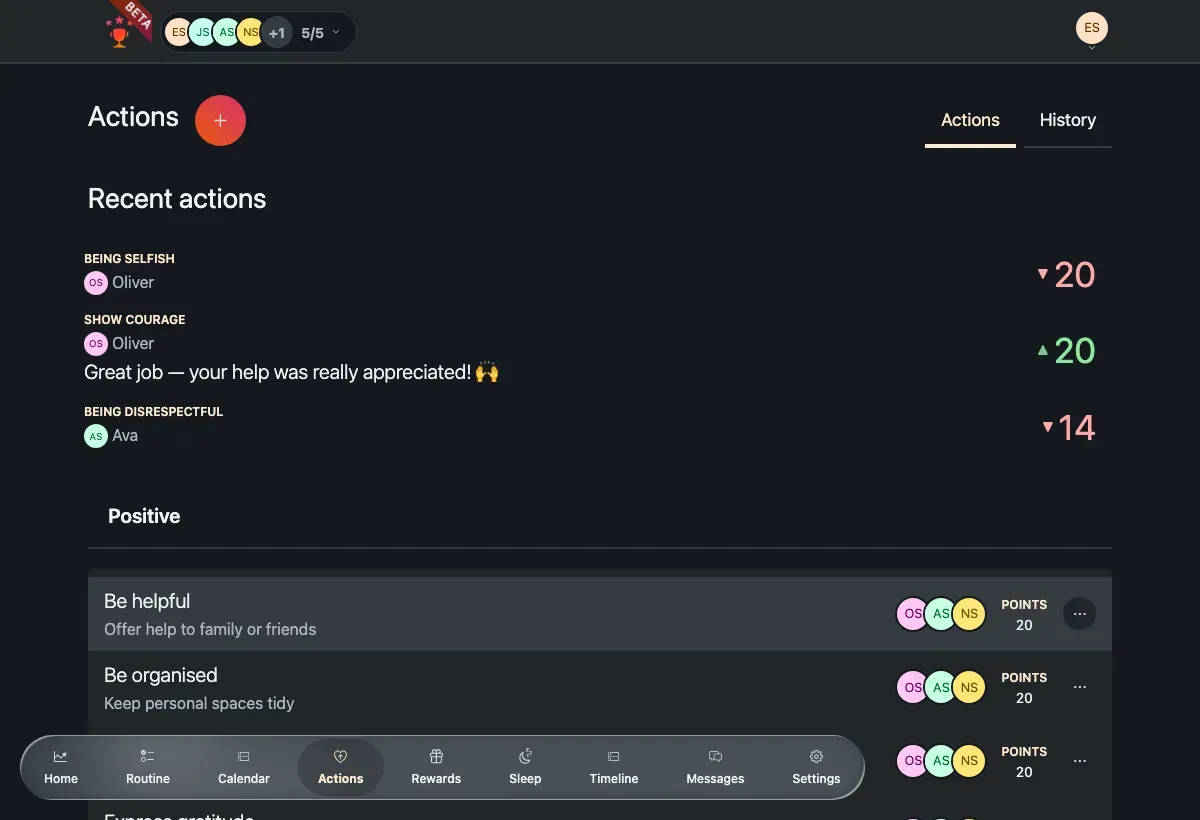
The actions library, grouped into Positive and Negative with a recent-actions strip on top.
From here you can:
Register an occurrence — tap an action’s register link to record that it happened and move points.
Add a new action with the + button next to the page title.
Edit or delete a definition from a row’s ⋯ (overflow) menu.
Create & edit an action
Define a reusable Positive or Negative action — its name, point value and who it applies to. Define an action
Register an action
Record that an action happened and move a child’s points up or down. Register an action
Looking to spend points instead of adjusting them? See Rewards.