
Notifications
Settings → Notifications controls push notifications on the device you’re using right now. Preferences are per person and per device, and they only stick if your browser actually grants permission. Anyone can manage their own.
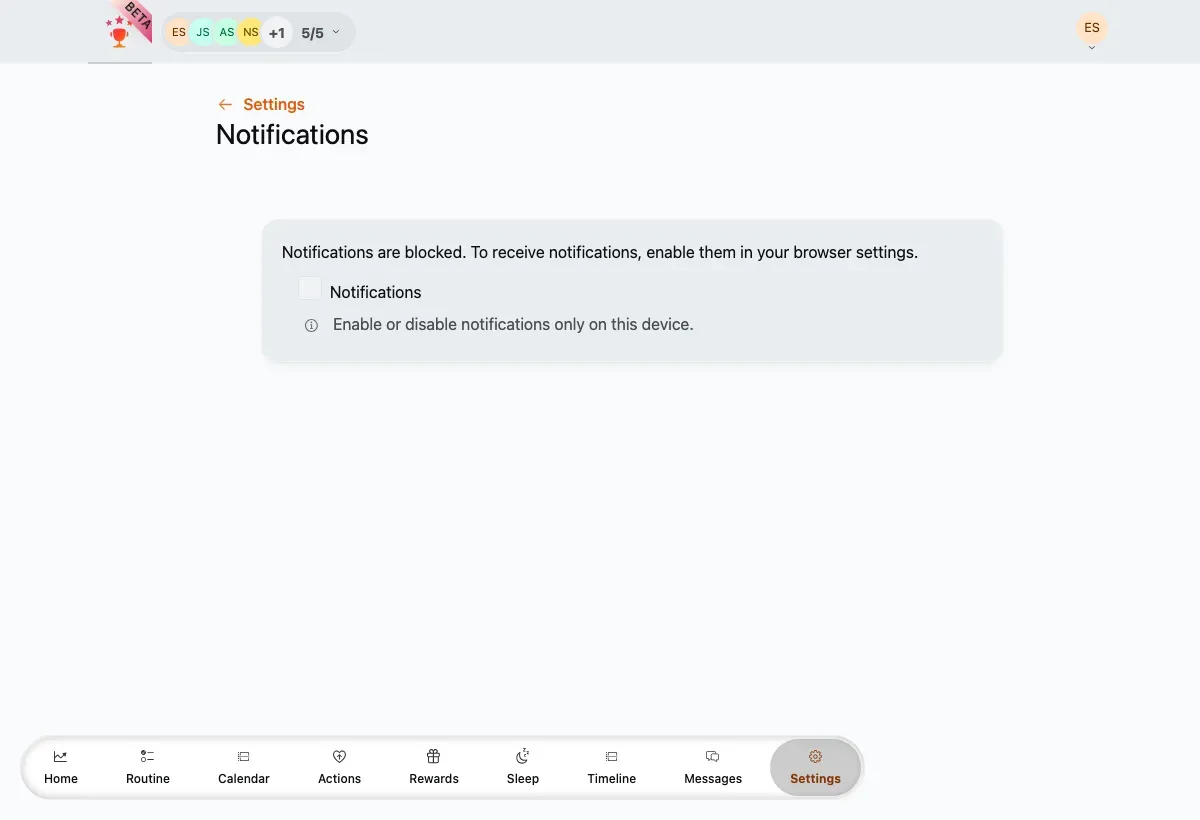
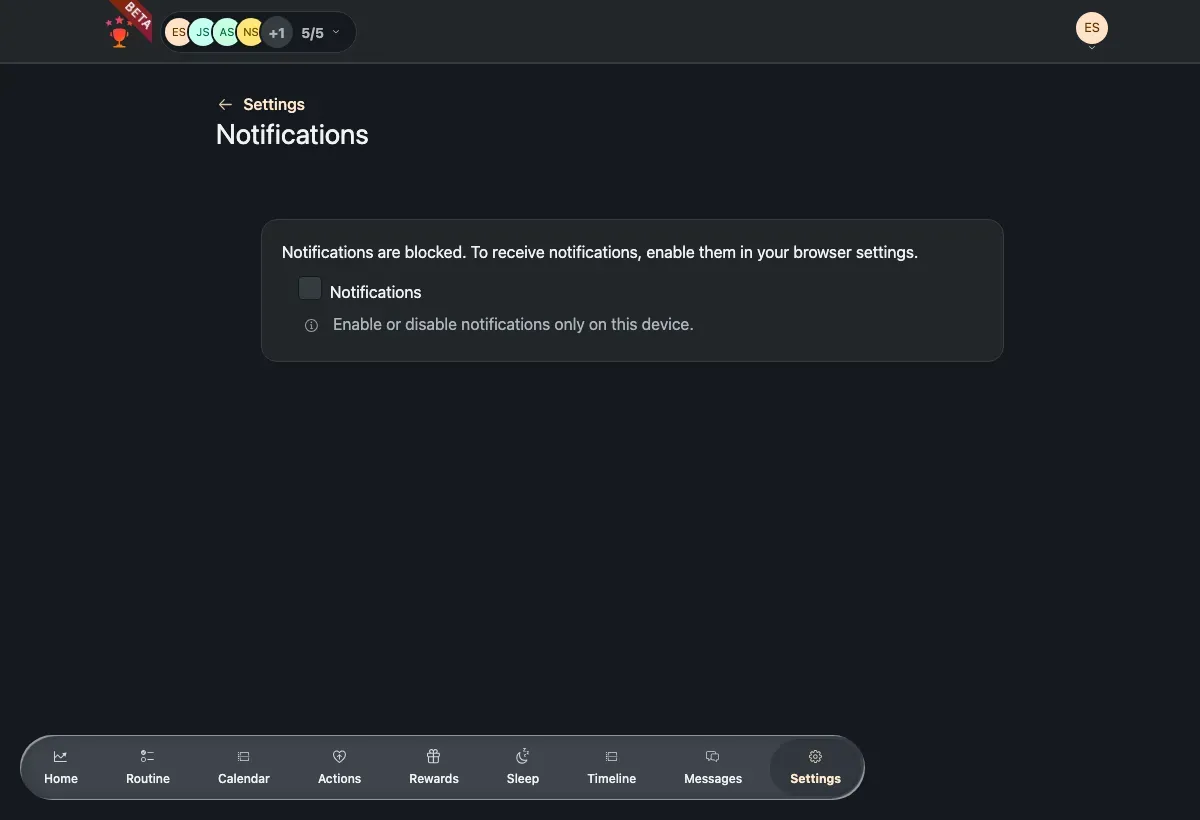
The master notifications toggle. When permission is blocked, a note explains how to re-enable it.
Turn notifications on
Section titled “Turn notifications on”-
Turn on the master Notifications toggle.
-
Allow the browser’s permission prompt when it appears.
-
Choose which types you want: Tasks, Rewards and Wake-up.
Field reference
Section titled “Field reference”Every option here is per person and per device, and off until you turn it on.
- Notifications — the master switch for push on this device. It only takes effect once the browser grants permission. Everything below depends on it.
- Tasks — alerts about task activity. Appears once the master switch is on.
- Rewards — alerts about rewards.
- Wake-up — alerts tied to wake-up and sleep routines.
If notifications are blocked
Section titled “If notifications are blocked”If you previously denied permission, the browser won’t ask again and a note appears: Notifications are blocked. To receive notifications, enable them in your browser settings. Re-allow notifications for TaDone in your browser or device settings, then come back and turn the toggle on.