
Feelings & sleep
Two of the calmest corners of Kid Mode help your child notice how they feel and wind down for sleep. Both turn everyday moments — naming a feeling, going to bed — into something gentle and simple.
Feelings: a gentle check-in
Section titled “Feelings: a gentle check-in”The emotions check-in lets your child say how they feel by tapping a face. It’s a small, low-pressure moment that supports emotional-regulation goals.
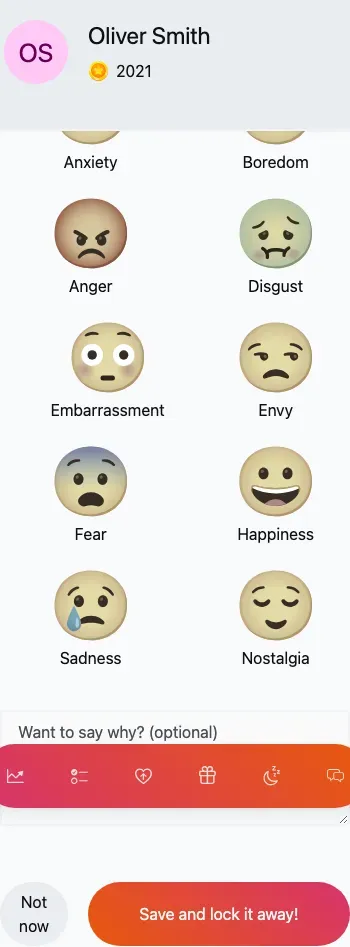
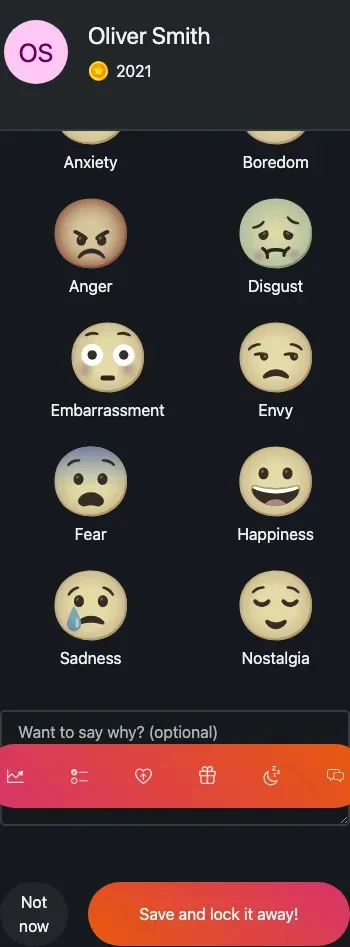
The feelings picker — your child taps the emoji that matches how they feel (mobile view).
There’s no tab for feelings. Your child reaches the check-in by tapping an Emotion task in their routine (or you can open it for them).
-
Tap an Emotion task in the routine.
-
Pick one or more feelings from the emoji grid, and add a note if they’d like.
-
Save — the feeling is recorded, the linked task is completed, and TaDone returns to the routine.
A History view lists past check-ins so you can look back at how your child has been feeling over time. (If there’s nothing yet, it simply says so.)
Sleep: bedtime and wake-up
Section titled “Sleep: bedtime and wake-up”The sleep flow turns bedtime and waking up into a calm, full-screen ritual.
-
Your child taps a Sleep task in their routine to start a sleep session.
-
A dark “Good night” screen appears — night mode, showing how long they’ve been asleep, with a single Wake up button.
-
In the morning they tap Wake up, and a bright “Good morning!” dawn screen asks them to rate how they slept with a row of emoji.
-
They pick a rating and save — that finishes the session.
Sleep history
Section titled “Sleep history”A Sleep tab holds the history of past sessions — a calendar of nights with the sleep rating on each, and a chart of how long it took to fall asleep. It’s a handy way to spot patterns over the weeks.
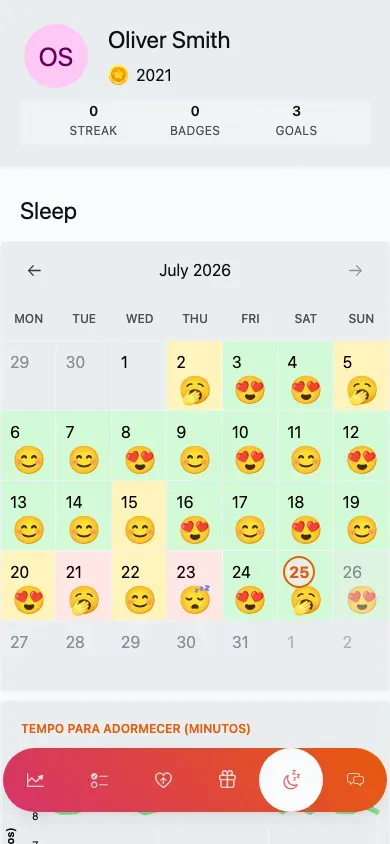
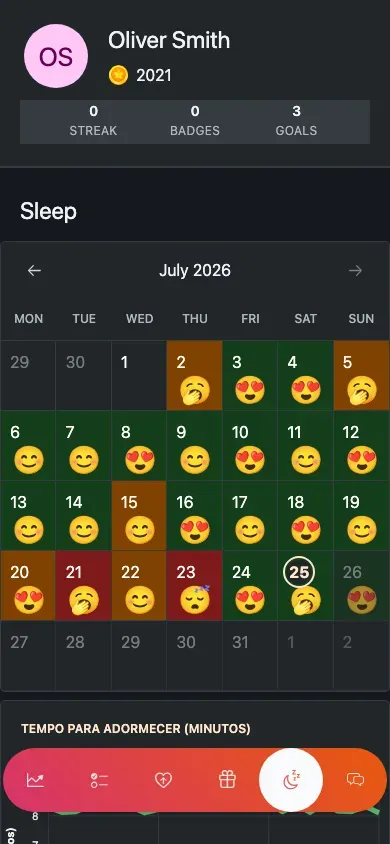
Sleep history — each night carries the rating your child gave it (mobile view).