
Workspace & settings
When you enter TaDone as a guardian, you land in the family workspace — the shell that holds every family feature. This page covers getting around it and the general settings for the family as a whole.
Finding your way around
Section titled “Finding your way around”The workspace has three constant parts: a top bar, the content in the middle, and a bottom tab bar.
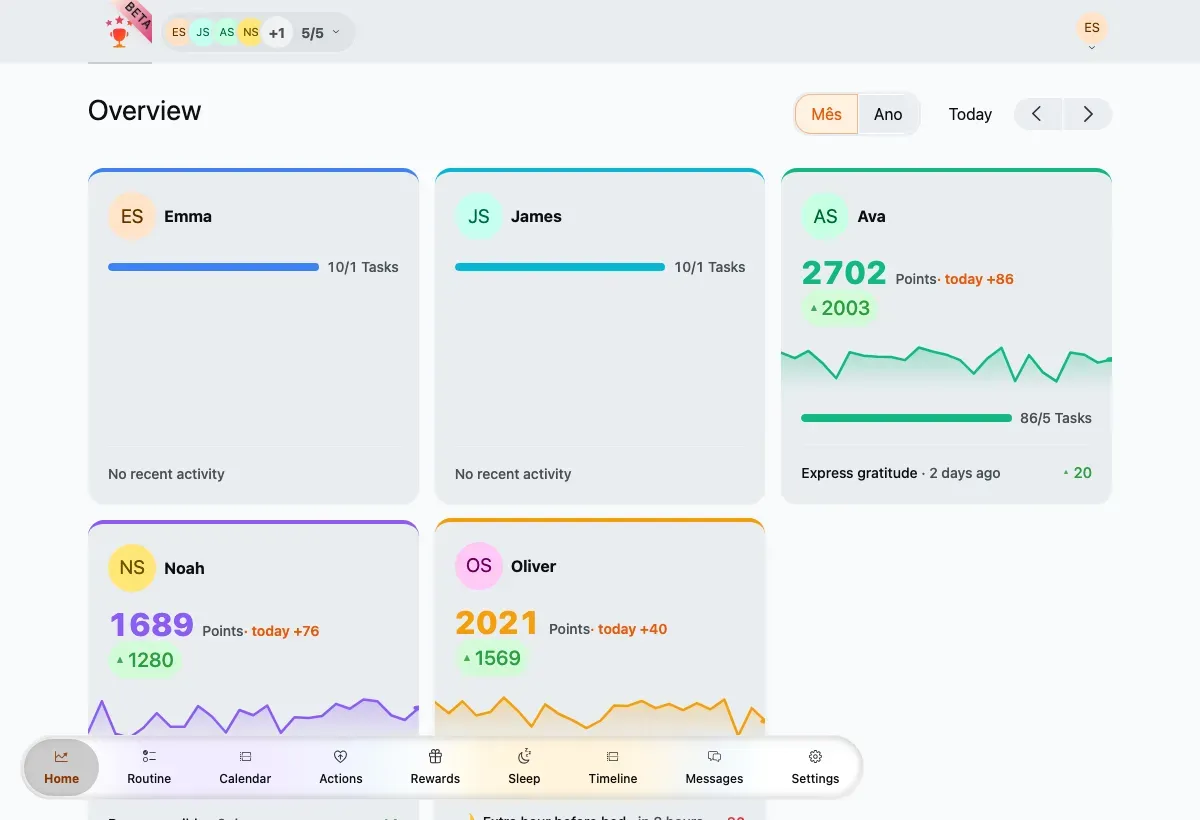
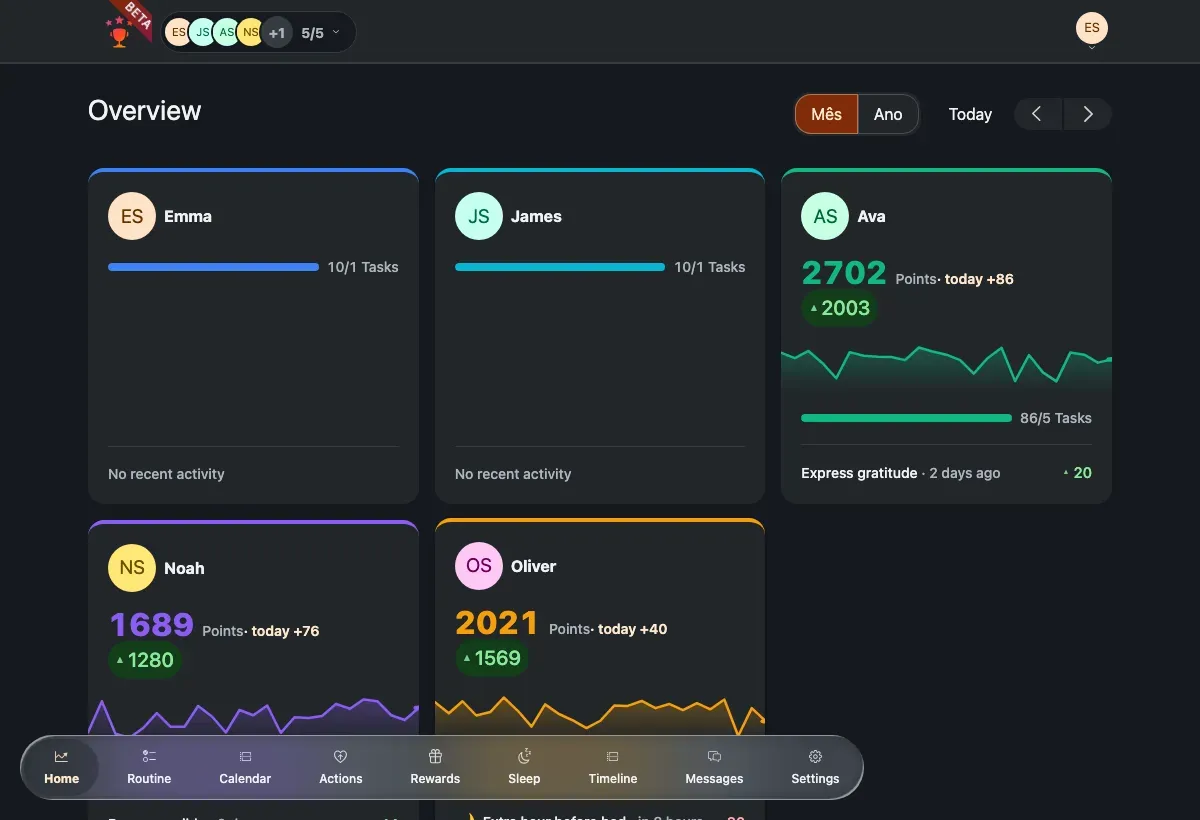
The Overview dashboard inside the workspace shell.
- Top bar — a member filter on the left (the row of avatars) lets you focus the view on one child or see everyone; the account menu on the right opens Statistics and Settings, and is where notifications appear.
- Bottom tabs — the main navigation: Home, Routine, Calendar, Actions, Rewards, Sleep, Timeline, Messages, and Settings. A floating chat button sits above the tabs.
On a phone the bottom tab bar becomes a persistent footer, so the same navigation is always within thumb’s reach.
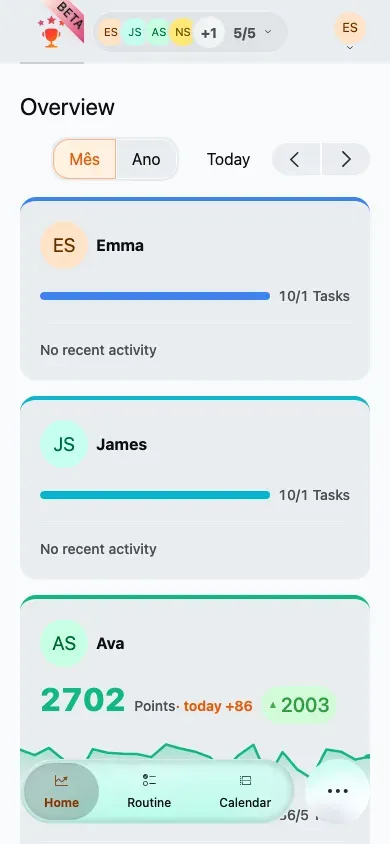
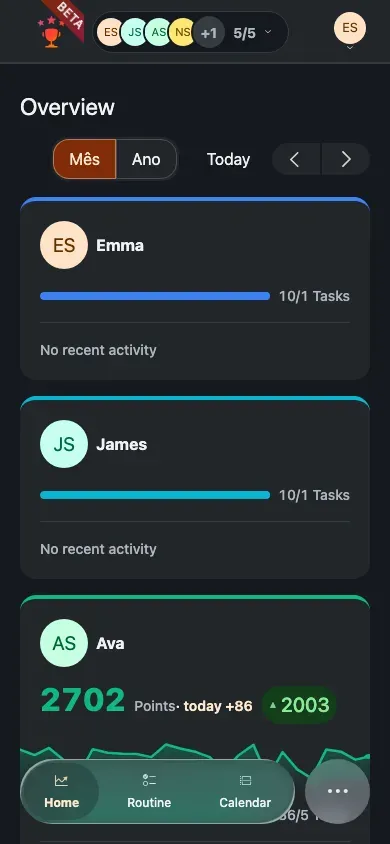
General family settings
Section titled “General family settings”Open Settings → Family to edit the details that apply to the whole family.
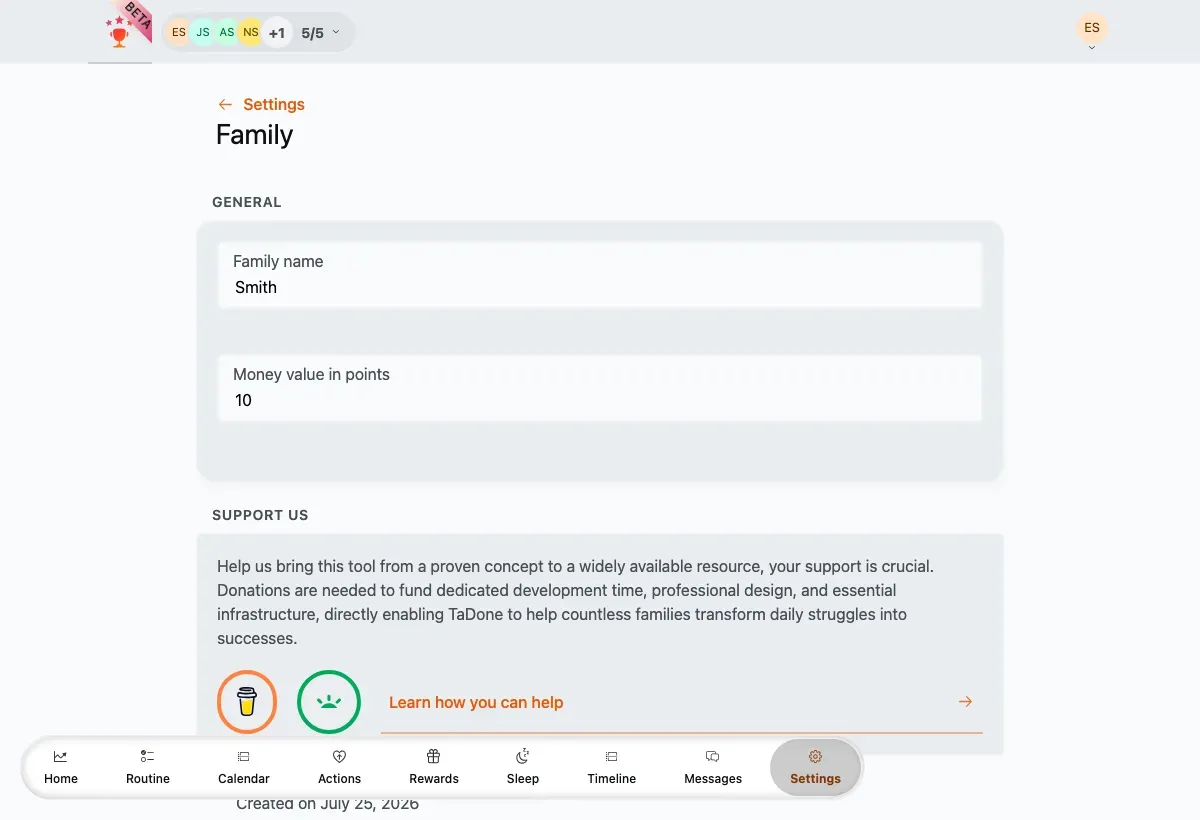
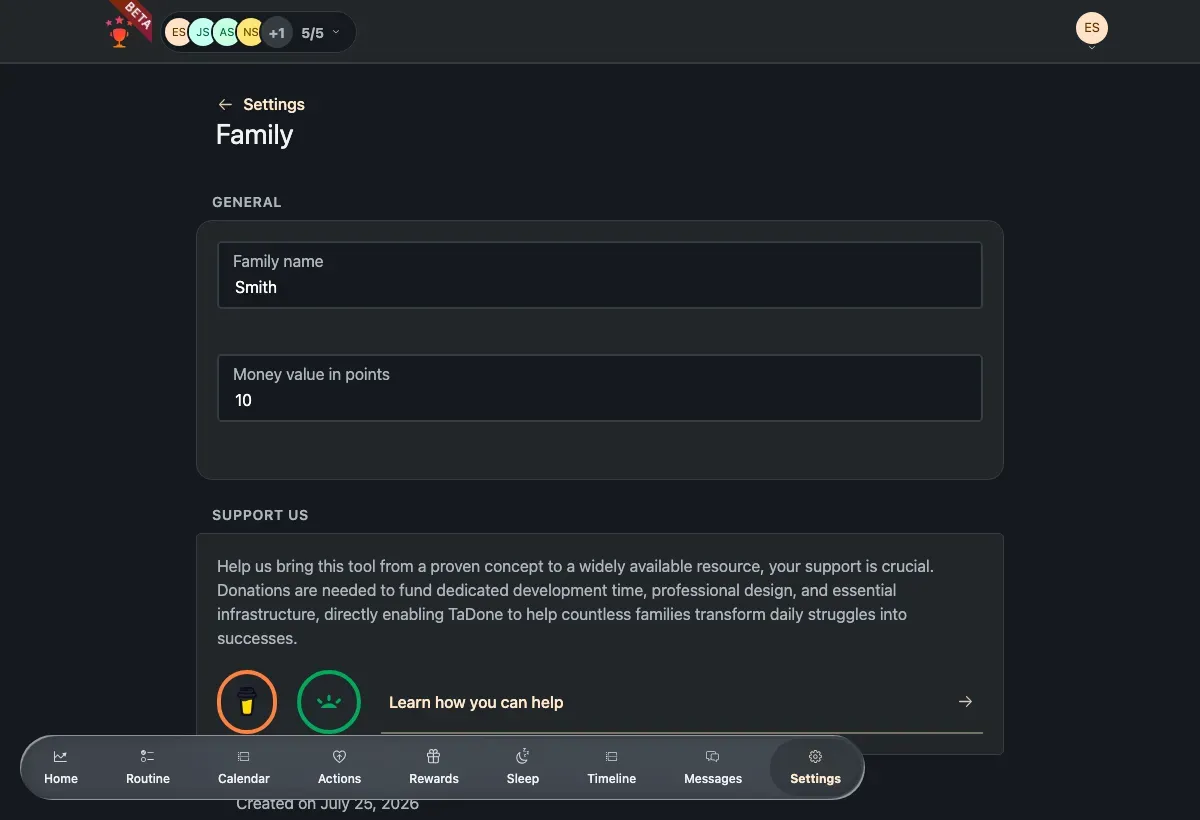
- Family name — rename the family at any time.
- Money value in points — how many points equal one unit of your currency. Rewards use this to convert a points balance into real-world value, so set it to whatever exchange rate makes sense for your family.
- Support us — links for donating to and supporting the project.
- Created — the date your family was set up, shown at the bottom.
-
Change the family name or the money value in points.
-
There’s no Save button — your changes save automatically, and a short confirmation appears once they’re stored.
Members & invitationsAdd children and guardians, edit profiles, and invite other adults.