
Sleep tasks
Tap it to start a bedtime session — the calm night screen. See Feelings & sleep.
The Routine tab is the heart of your child’s day. It shows today’s tasks — the ones you set up in their routines — laid out simply so they can work through them one by one and watch their points climb.
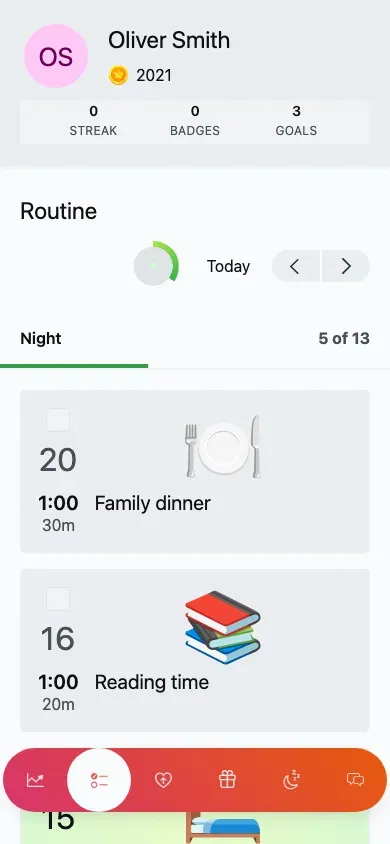
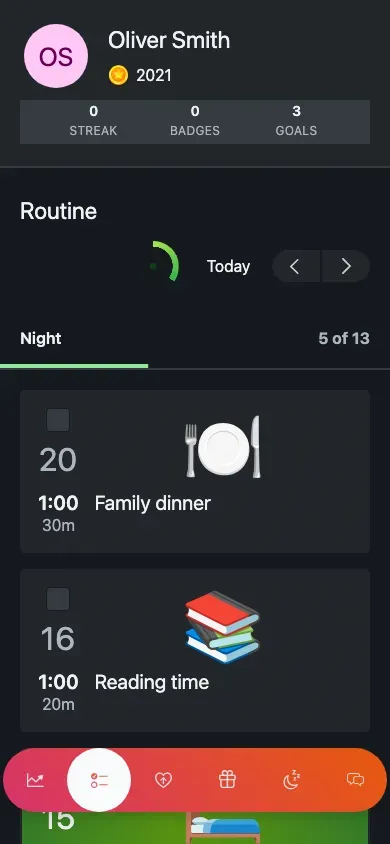
Today’s routine, grouped by routine block with a checkbox on each task (mobile view).
Open the Routine tab.
Tap the big checkbox on a task.
A satisfying sound plays and the task’s points are added to their total.
Most tasks are a simple tick. Two special kinds open a dedicated screen instead:
Sleep tasks
Tap it to start a bedtime session — the calm night screen. See Feelings & sleep.
Emotion tasks
Tap it to open a feelings check-in. Saving it also completes the task. See Feelings & sleep.
If a day has nothing on it, your child sees a cheerful empty message rather than a blank page — a little “Nothing to do? Wonderful!” moment, so an easy day still feels good.