
Create & edit a reward
Define a reward — its name, type, point cost, emoji and who it applies to. Define a reward
Rewards are what children spend their earned points on. You define the rewards your family offers, and children redeem them by trading points.
You’ll find them under the Rewards tab in the bottom navigation.
Every reward has a type that decides how its cost is calculated:
The catalog groups your rewards by type and shows a strip of recent redemptions on top. Each card shows the reward’s emoji icon, name, its per-unit rule and its point cost. When your family has more than one child, a card also shows the avatars of the members it applies to.
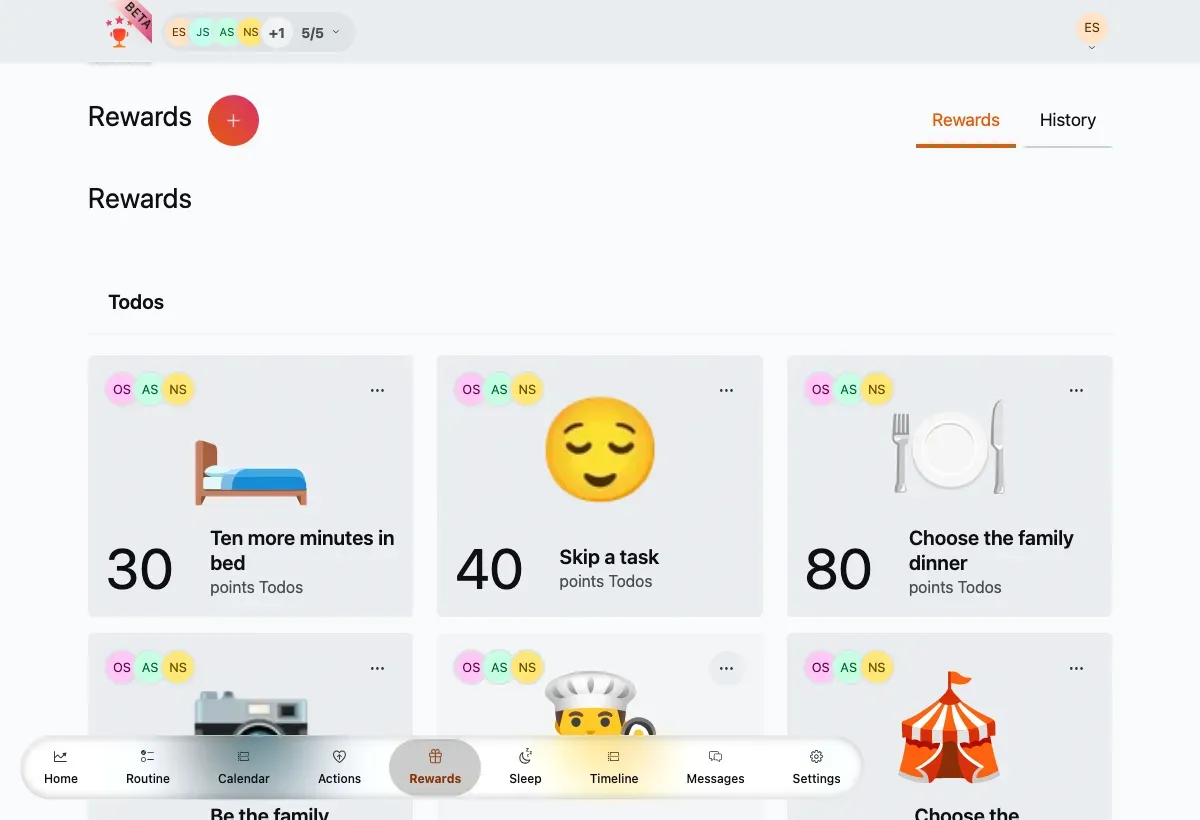
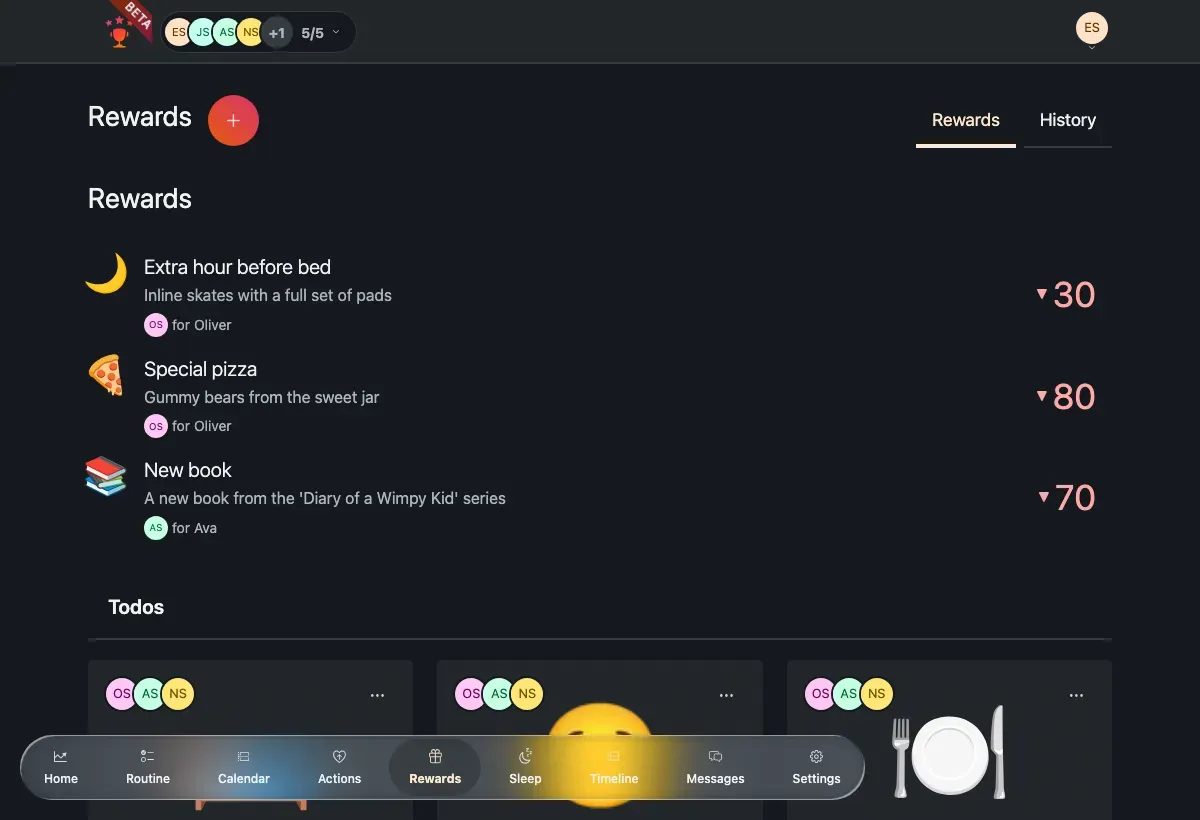
The rewards catalog — each card shows an emoji, name, cost and who it applies to.
From here you can:
Redeem a reward — tap its card to open the redeem flow and spend points.
Add a new reward with the + button next to the page title.
Edit or delete a reward from a card’s ⋯ (overflow) menu.
Create & edit a reward
Define a reward — its name, type, point cost, emoji and who it applies to. Define a reward
Redeem a reward
Spend a child’s points on a reward, including the live timer for time-based rewards. Redeem a reward
Looking to award or dock points instead of spending them? See Actions.