
What TaDone is
TaDone transforms family routines with weekly plans, actions, and rewards, turning tasks into motivating challenges. Parents (and, when you choose, a child’s therapist) set up the plan; children complete their routines to earn points and unlock rewards.
The public website
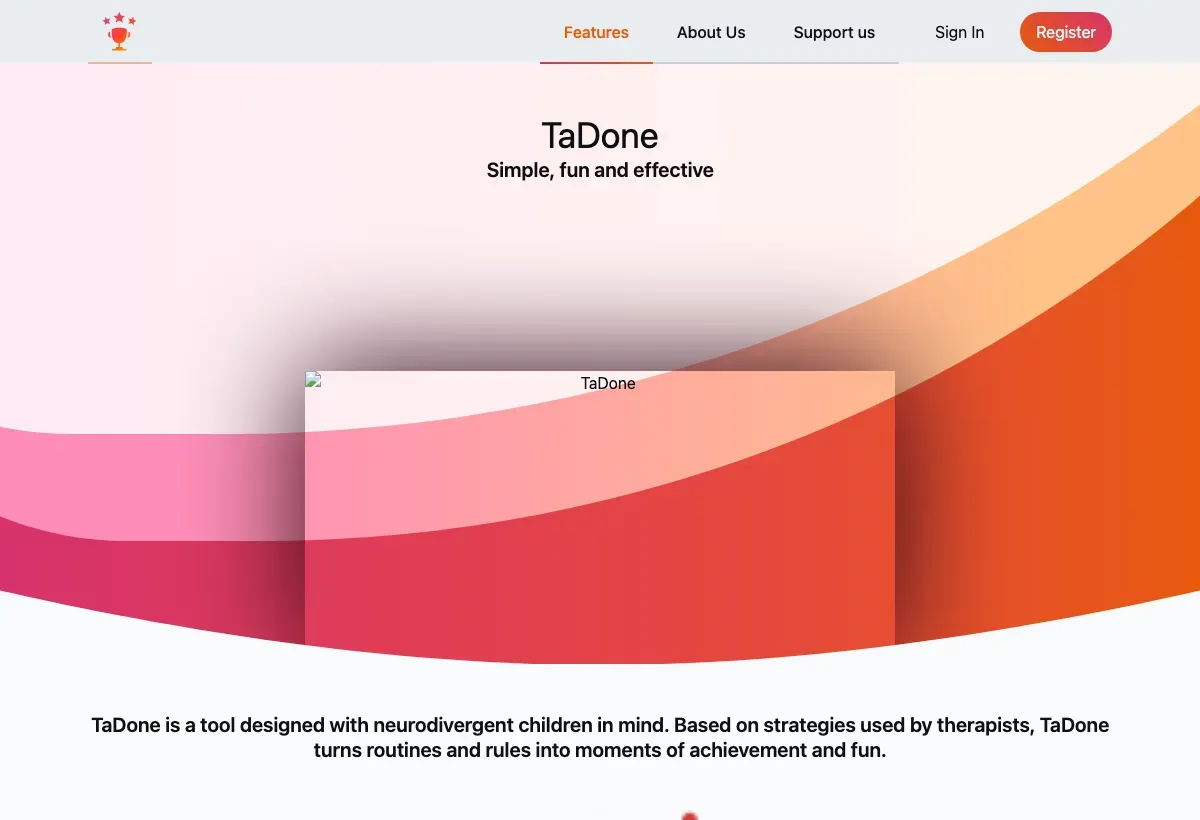
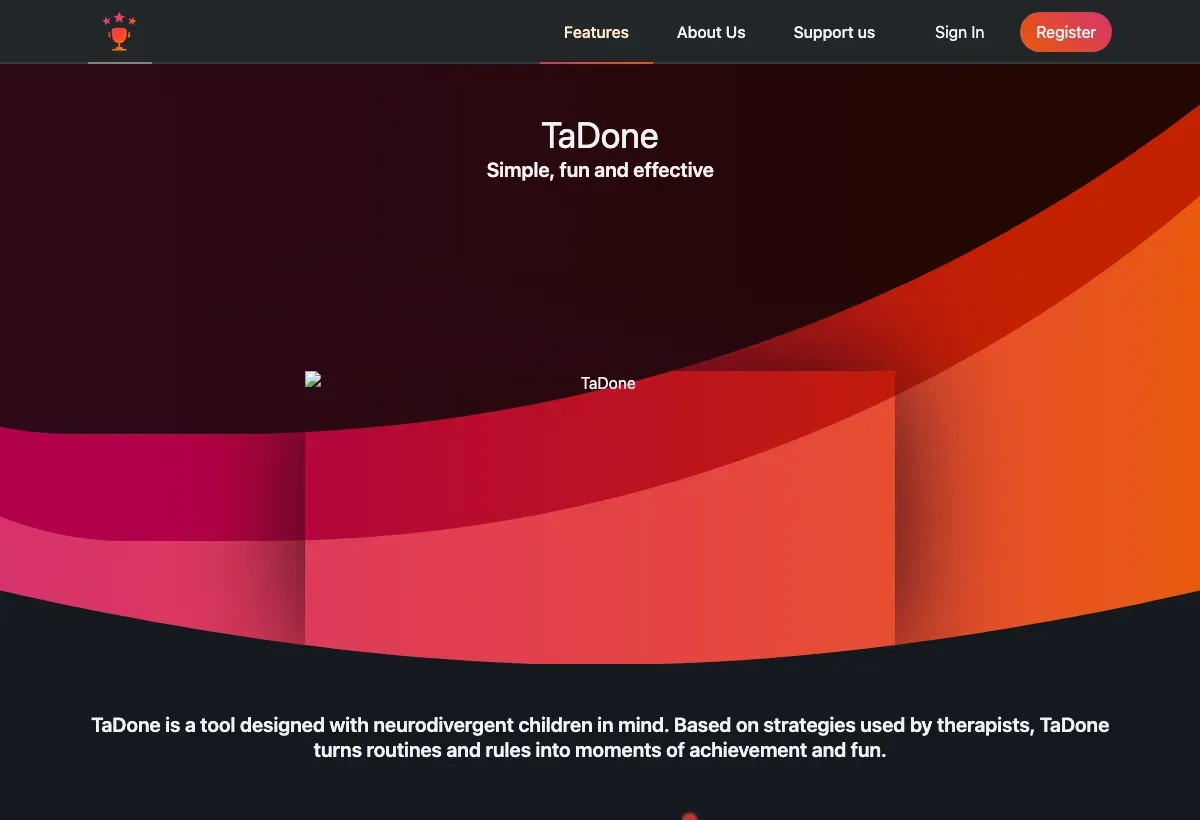
Section titled “The public website”Before you sign up, the TaDone website introduces what the app does. From the top navigation you can open Features for a tour, About Us, Support us (how to help the project), and the FAQ. The homepage leads with a Let’s Go! button that starts sign-up, and there’s a Register button for new accounts and Sign In for returning ones.
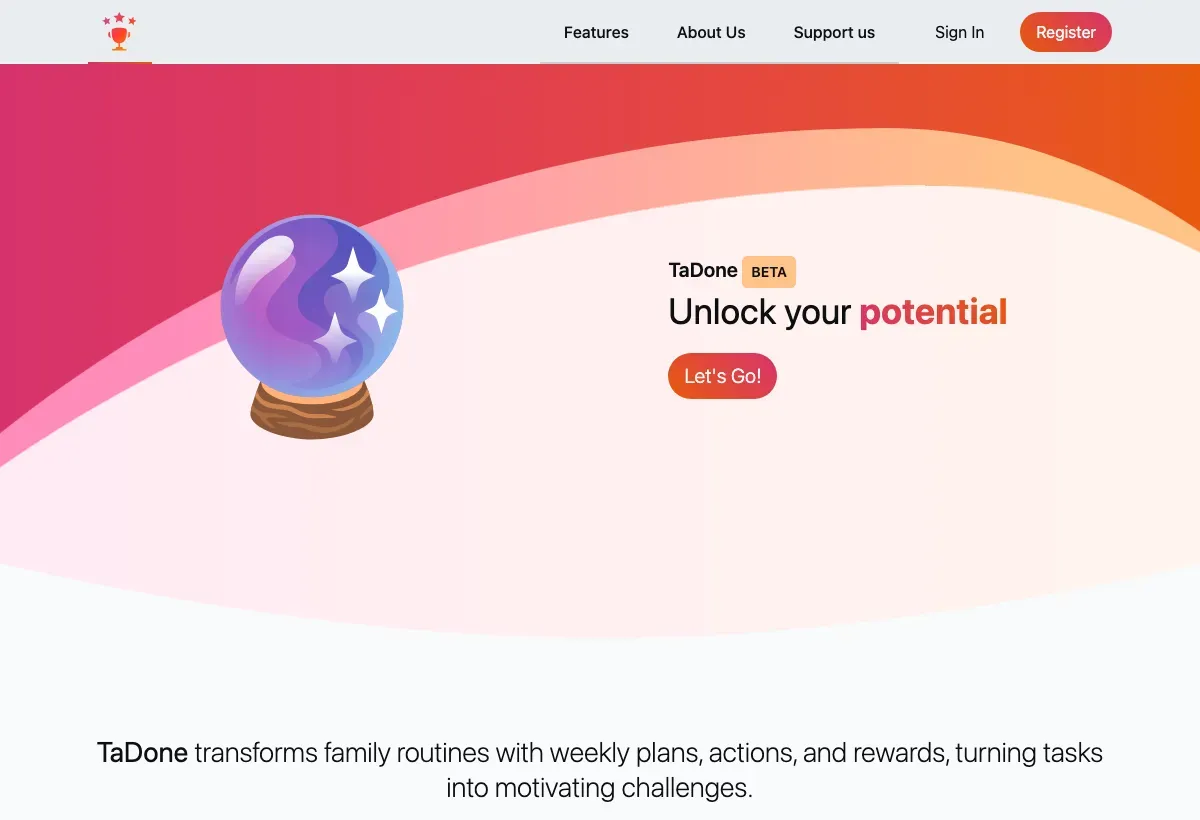
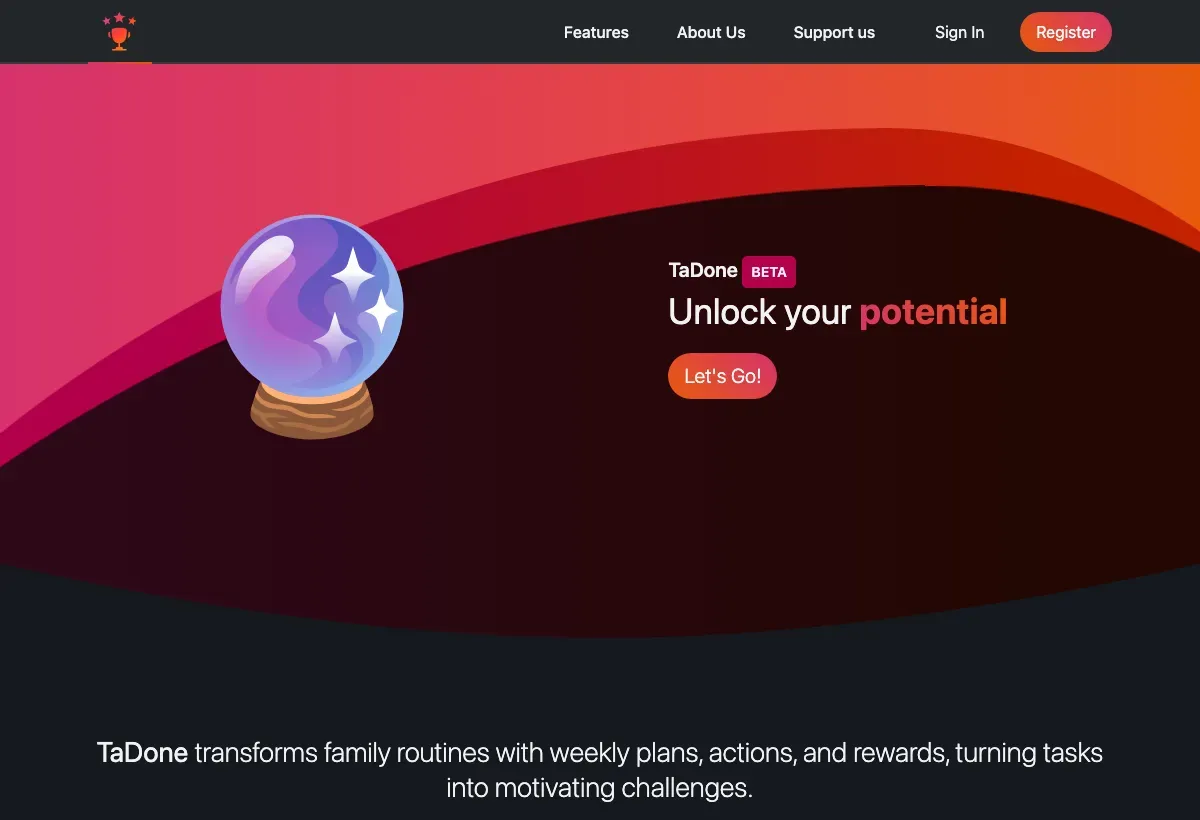
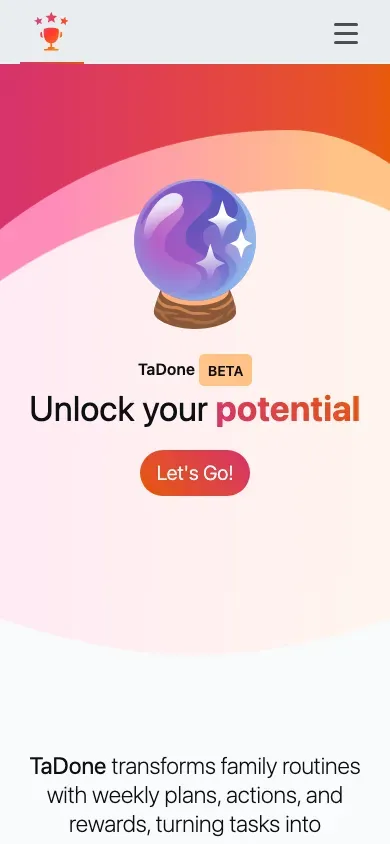
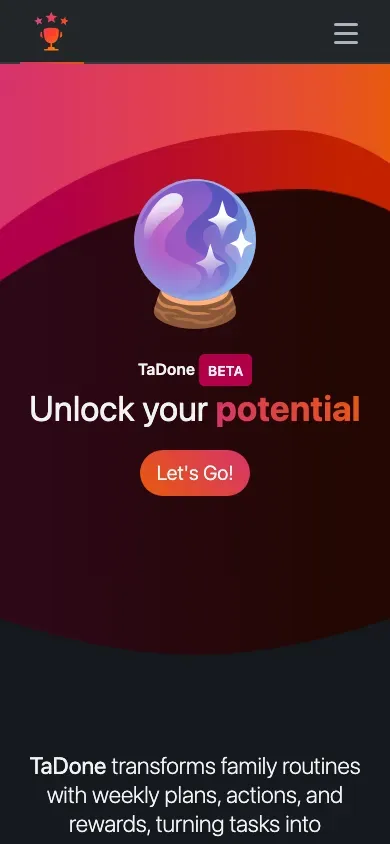
The homepage hero. TaDone is in beta — expect it to keep improving.
The site works just as well on a phone, where the sections stack into a single scroll.
The Features page explains the three pillars — routines, actions, and rewards — in more detail.
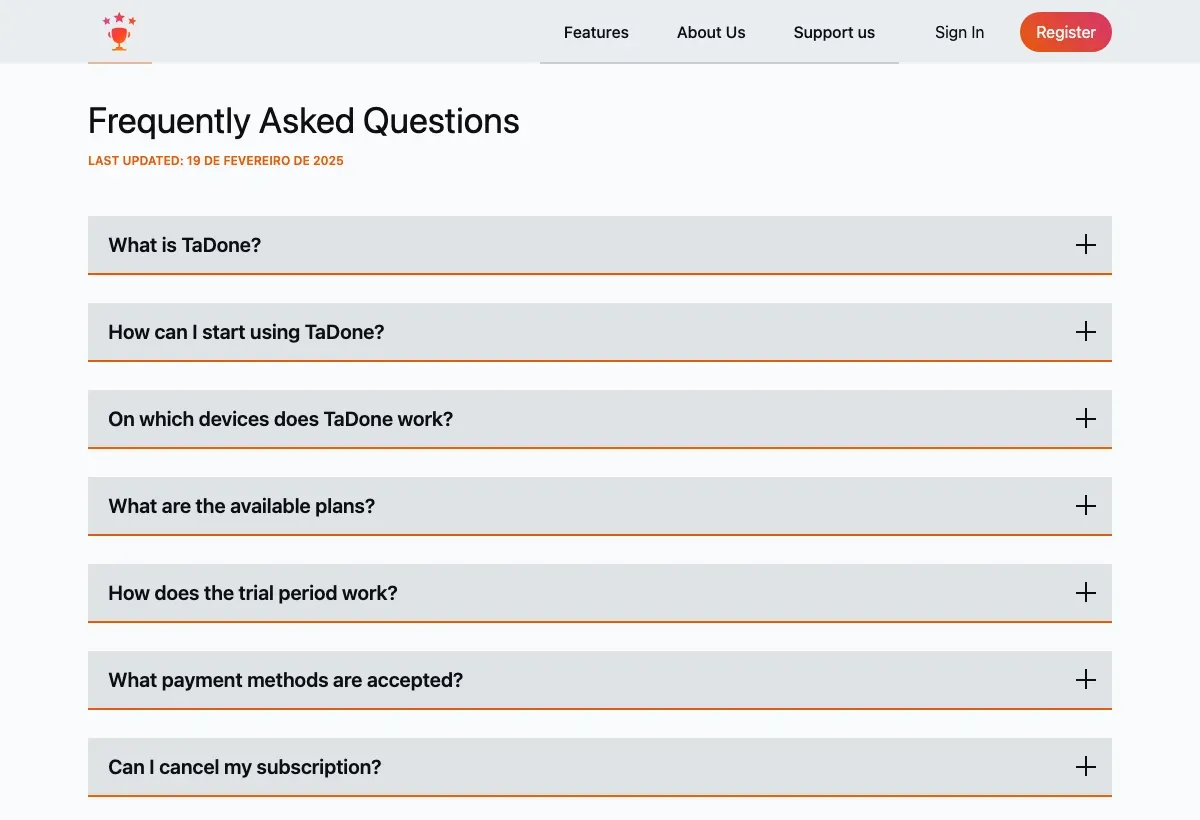
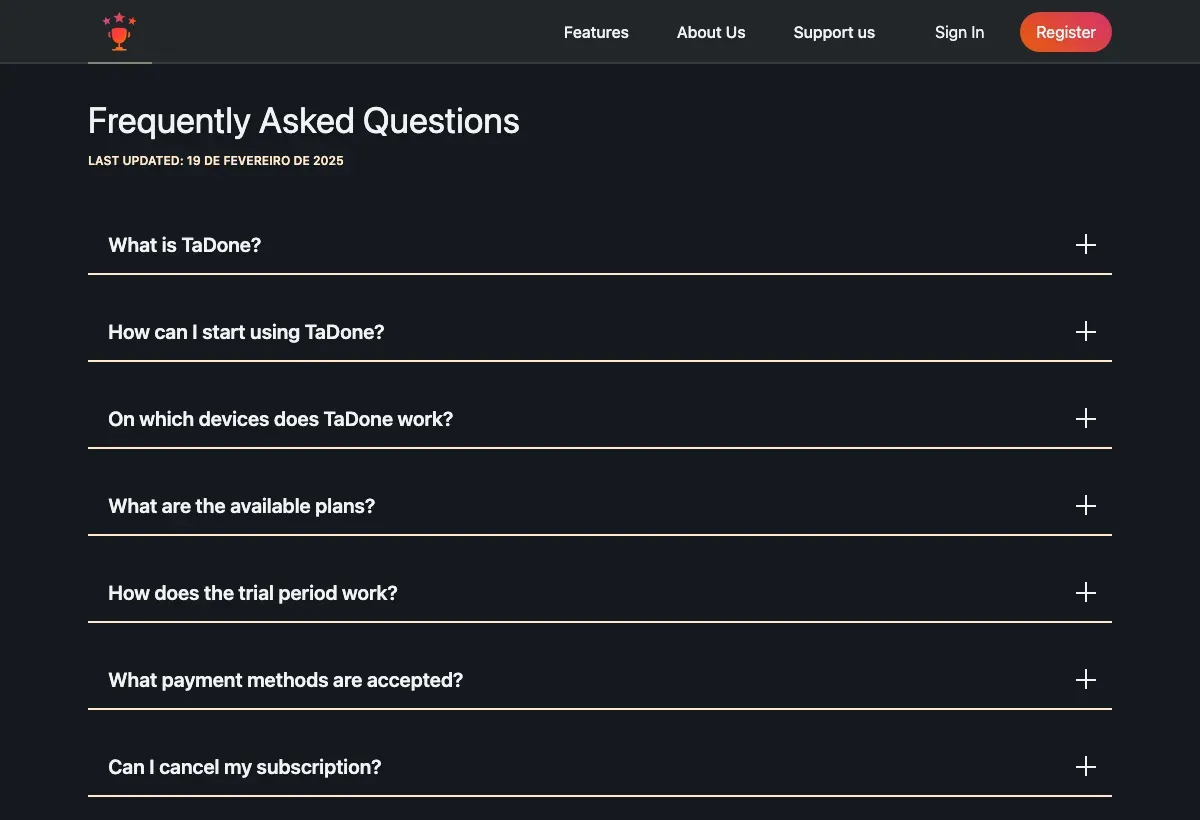
If a question comes up, the FAQ page covers the common ones.
Install TaDone as an app
Section titled “Install TaDone as an app”TaDone is a Progressive Web App (PWA): you install it straight from your browser, and it then behaves like any other app — its own icon on your home screen, a full-screen window, and offline-friendly loading. There’s nothing to download from an App Store.
-
Open the TaDone website in your phone or computer’s browser.
-
When your browser offers to install or “Add to Home Screen”, accept it. On iPhone/iPad, use the Share menu in Safari and choose Add to Home Screen; on Android and desktop Chrome, look for the Install icon in the address bar or the browser menu.
-
Open TaDone from its new icon. Launched this way, it takes you straight to sign-in.
Create your account or sign in
Section titled “Create your account or sign in”To use TaDone you sign in with an account.
-
From the homepage, choose Register to create a new account, or Sign In if you already have one.
-
Complete sign-in. New accounts may need to verify their email before continuing.
-
The first time you sign in, TaDone walks you through a short setup — accepting the terms and creating your family.
Ready to set everything up? Continue to your first setup.