
Dynamic difficulty
As a child gets into a groove, points can pile up and start to feel cheap. Dynamic difficulty is an optional, parent-controlled setting that keeps points meaningful by gently tightening each child’s economy as they improve — and easing off again if they slow down.
How it works
Section titled “How it works”TaDone quietly compares each child’s earned points over the last 14 days against the 14 days before that. If they’re clearly earning more, it nudges a per-child difficulty factor up; if they’re earning less, it nudges it back down.
The adjustment is deliberately gentle:
- It changes by at most 10% a week, so nothing shifts overnight.
- The factor always stays between ×0.5 and ×2.0.
- New or inactive children are never tightened — the setting only starts biting once there’s a real pattern of activity.
- Streak and trophy bonuses never count toward the comparison, so a lucky bonus won’t tighten the screws on its own.
Turning it on
Section titled “Turning it on”The setting lives in Settings → Gamification, alongside the adult-gamification toggle and trophy management.
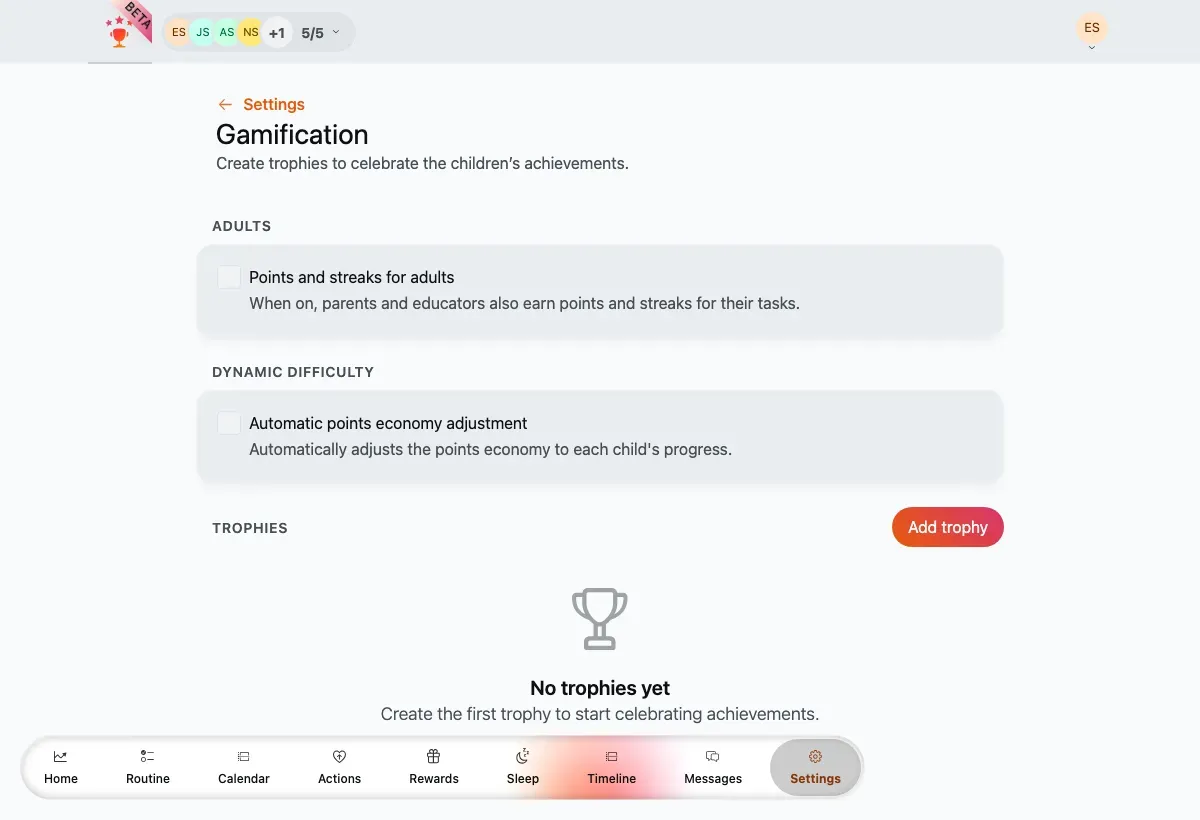

Dynamic difficulty enabled — mode choice on top, the per-child factor list below.
- Turn on Automatic points economy adjustment.
- Choose how the pressure is applied:
- Increase reward cost — rewards cost more points as the factor rises. Points earned stay the same.
- Reduce points earned — every award is scaled down. Reward costs stay the same.
- Review the Current factor per child list — each child’s factor (for example ×1.0) is shown read-only, so the adjustment is always transparent.
The factor only affects points at the moment they’re earned or spent — it never rewrites the value stored on a task or reward, and correcting an existing entry won’t quietly re-price points already banked.