
Modules per member
TaDone lets you tailor the app for each person. Modules are the individual features — Routine, Calendar, and so on — and you turn them on or off per member. A younger child might only need Routine and Rewards, while an older one also gets Messages and Sleep tracking.
Open Settings → Modules to manage them. This screen is available to the family owner only.
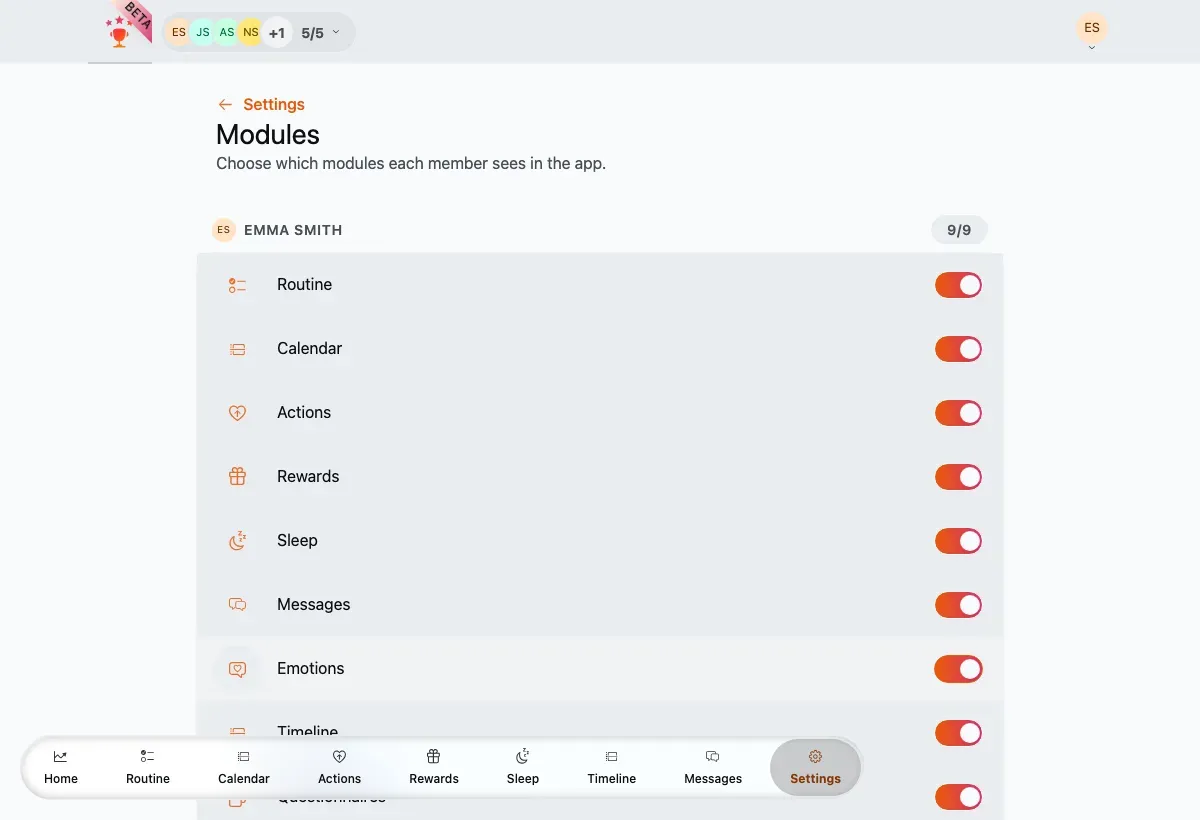
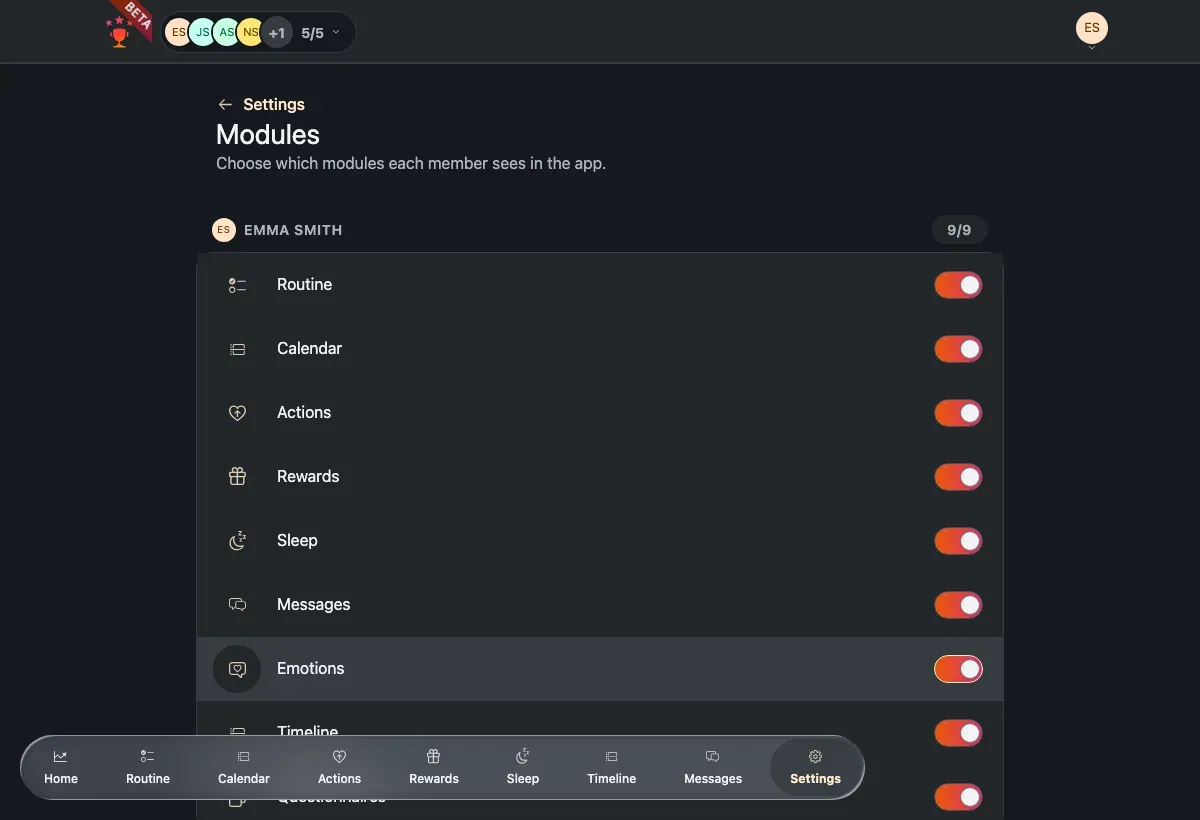
Each member gets a card with a switch for every module and a count of how many are on.
What each module does
Section titled “What each module does”There are nine switchable modules, shown in the order they appear in the app’s navigation:
- Routine — the member’s daily routine board of tasks.
- Calendar — a calendar view of tasks and events.
- Actions — one-off positive actions (bonuses) and penalties.
- Rewards — the rewards catalogue and redemptions.
- Sleep — bedtime and wake-up tracking.
- Messages — family chat.
- Emotions — emotion check-ins and history.
- Timeline — a feed of the member’s recent activity.
- Questionnaires — short questionnaires for the member.
Turn a module on or off
Section titled “Turn a module on or off”-
Find the member’s card. The badge (for example 9/9) shows how many modules are currently enabled for them.
-
Flip a module’s switch on or off.
-
The change saves on its own, for that member only — it never affects anyone else’s setup.
Turning a module off removes its tab from that member’s navigation and hides its features; turning it back on restores them, along with any data that was there before.